Facebook Messenger auto reply for a personal account
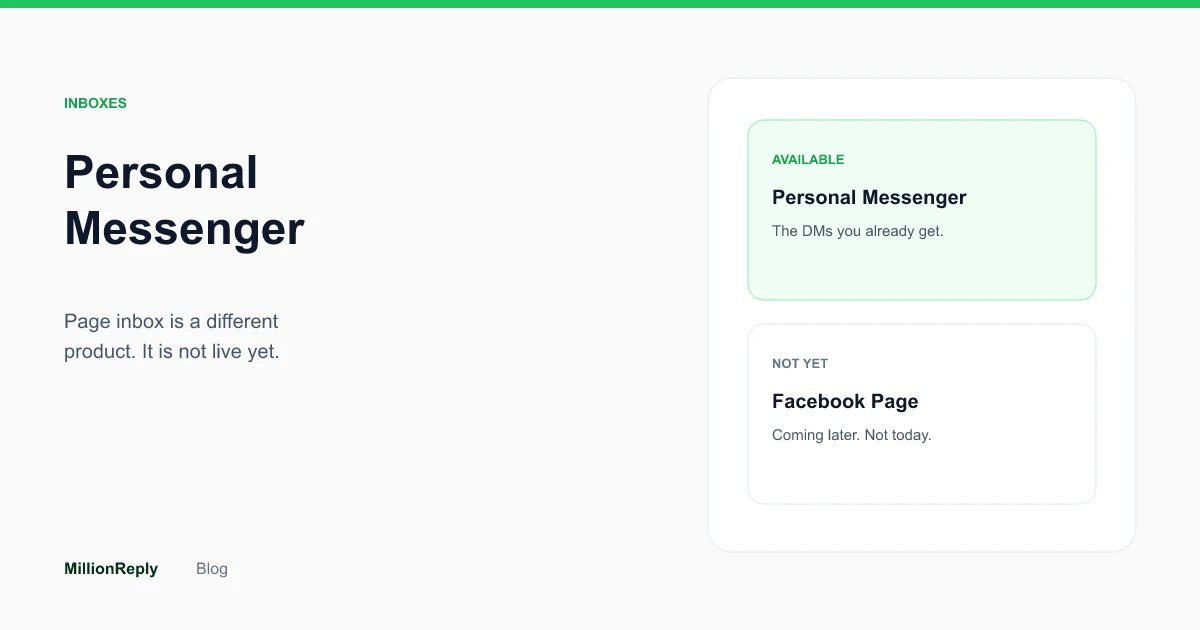
Facebook never built an auto reply for personal profiles. That is the inbox most small businesses actually get messaged in, and it can be answered.
The short version
- Facebook's own instant reply and away message features work on a Page. A personal profile has no automation setting at all.
- That matters because referrals, repeat customers and Marketplace buyers nearly all message your profile rather than your Page.
- A reply tool that works inside your own Chrome session answers the personal inbox without a Page, a password handover or an API key.
- Draft mode writes every reply and sends none, so you can try it today and keep your hand on the send button.
On this page
- Why there is no built-in setting
- Where your messages actually land
- Who this hits hardest
- What an unanswered evening costs
- What people try, and where it falls over
- What actually works
- Setting it up without a Page
- Keeping a personal account well behaved
- A normal day, once it is set up
- What a personal inbox looks like once it is answered
- Common questions before you start
- The short version
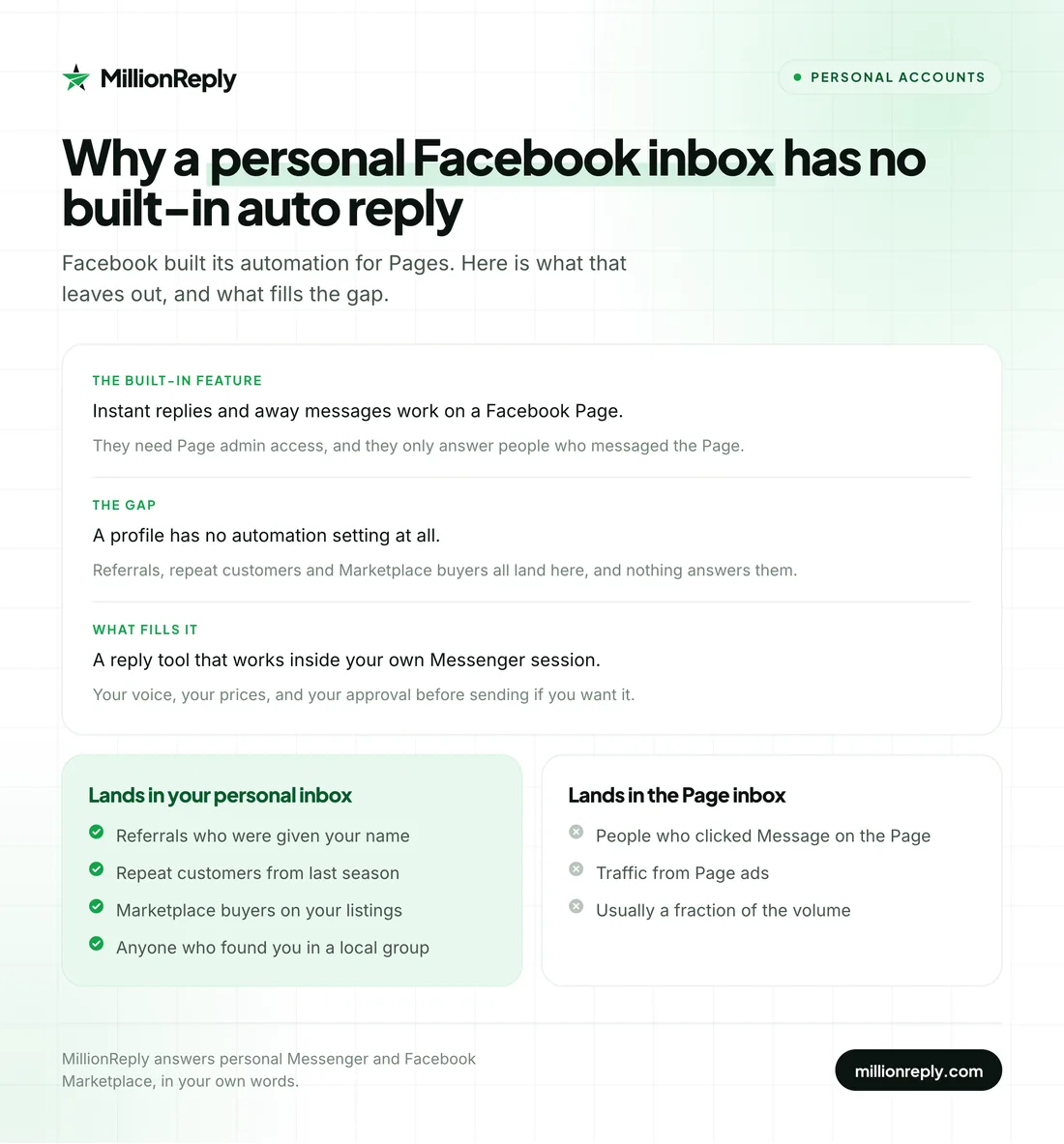
Facebook does not offer an auto reply for personal accounts. Instant replies and away messages are Page features. Open your profile settings and there is no equivalent option, because Facebook never built one.
That is awkward, because the personal inbox is where most small businesses actually get messaged. This guide covers why the gap exists, what people try, and what works.
Why there is no built-in setting
Facebook treats a Page and a profile as different kinds of thing.
A Page is a business entity. It has admin roles, permissions, an ads account and a messaging API, because Facebook expects several people to work it and expects software to plug into it. Automation followed naturally: instant replies, away messages, scheduled responses, chatbot platforms.
A profile is a person. There are no roles to assign and no official bot platform, because Facebook does not expect a profile to be operated by a team.
For a cleaning business run by one person, that distinction is meaningless. You are the business. And the messages arrive where people know to find you.
Where your messages actually land
Think about your last ten customers. Most likely:
- Someone was given your name by a neighbour, searched it, and messaged your profile.
- A customer from last spring came back and messaged the thread you already had.
- Somebody saw your comment in a local buy-and-sell group and clicked your name.
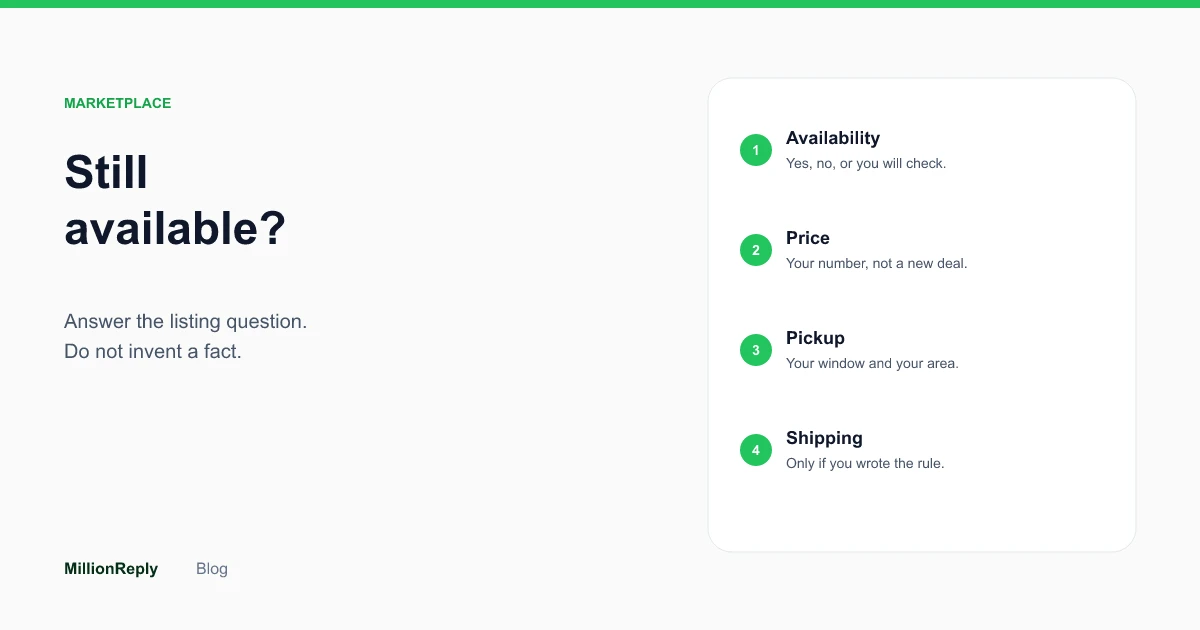
- A Marketplace buyer messaged about a listing, which is attached to your account rather than a Page.
None of those four reach a Page inbox. A Page auto reply would have answered none of them.
Who this hits hardest
The gap is worst for the businesses that are most dependent on Facebook.
Trades and mobile services. Plumbers, electricians, cleaners, mobile mechanics. Work comes almost entirely from referrals and local groups, and referrals arrive by name, which means they arrive on your profile. You are also the least likely person to be at a keyboard, because you are under a sink.
Marketplace sellers. Listings are attached to your account. Every buyer question lands in your personal inbox, and buyers message four sellers at once.
Tutors, instructors and therapists. Parents and clients message the person, not a brand. A Page feels wrong for this kind of work, and most practitioners never set one up.
Anyone whose business started informally. If your first customers were friends of friends, the whole customer base knows your profile and nothing else.
What all four have in common: a Page would be the wrong shape even if you built one, because the relationship is with a person.
What an unanswered evening costs
It is worth doing the arithmetic rather than guessing.
Take a cleaner at $180 a job. Say six enquiries arrive in a week outside working hours, which is low for anyone active in local groups. Say two of those would have booked if they had been answered that night, and instead one of them books with whoever replied first.
That is one job a week. Over a month it is roughly $700 of work that existed, reached you, and left because nobody was holding the phone at 9pm.
The number moves with your prices, but the shape does not. Enquiries cluster in the evening, and the first useful reply usually takes the job.
What people try, and where it falls over
The gap has been there long enough that workarounds exist. They tend to fail in the same few ways.
Phone accessibility apps. Android apps that watch notifications and fire a canned response. They send the same line to everyone, they stop the moment your phone sleeps or the app is killed, and they cannot see a price or check availability.
Browser scripts and macro recorders. Clever for about a week. They break whenever Facebook adjusts the inbox layout, and they have no idea what the message said.
Unofficial API wrappers. Usually abandoned, often years out of date, and they ask for credentials nobody should hand over.
A Page chatbot bought by mistake. The most common and most expensive. The tool works exactly as advertised and never touches the inbox that was the problem.
What all four share is that they respond without understanding. A canned line sent to someone asking “how much for a 3-bed deep clean?” is barely better than silence.
What actually works
A reply tool that runs inside the Messenger session you already have open, reads the question, and answers it from facts you stored.
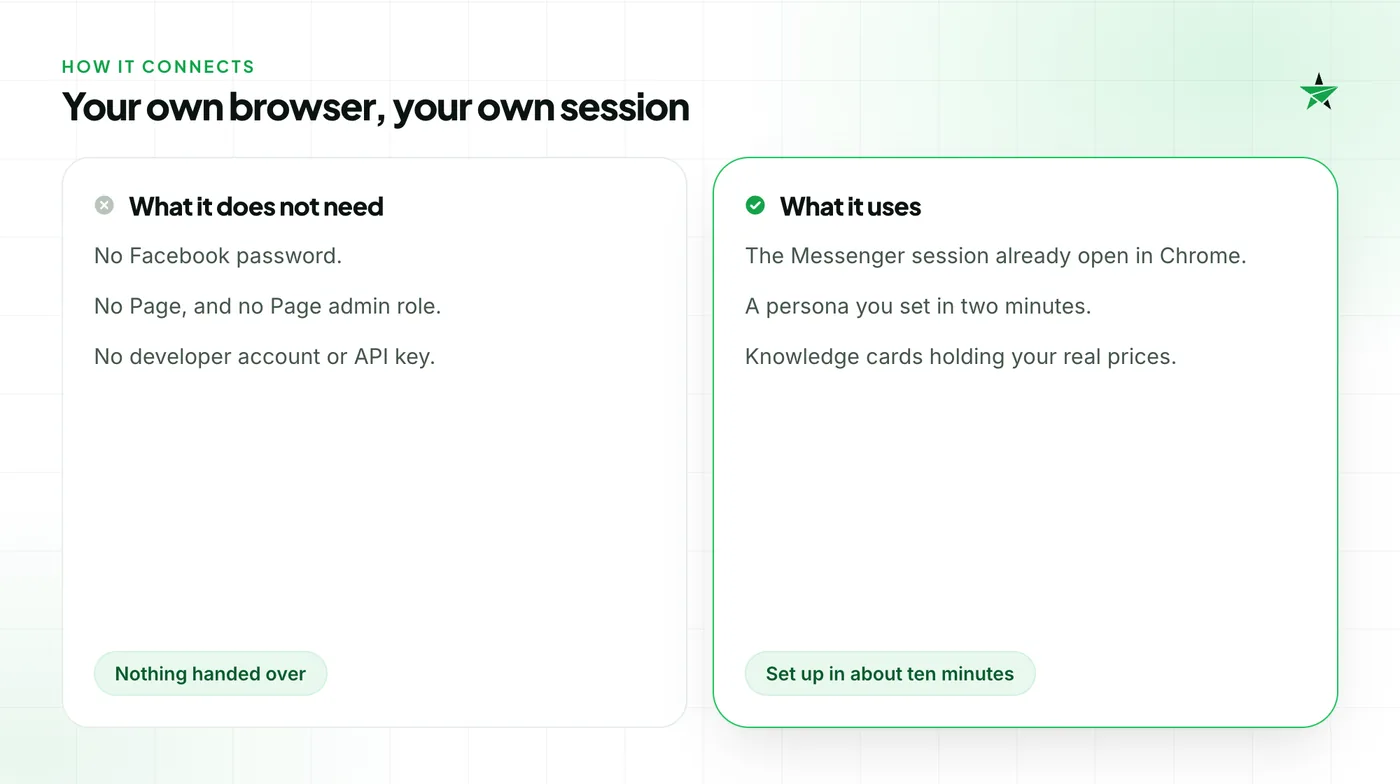
That is what MillionReply does. Three pieces make it work:
A persona sets tone, language and an optional signature, matched to the way you already type.
Knowledge cards hold your prices, hours, service area and policies in your own words. The reply quotes them rather than inventing anything.
A reply mode decides whether a reply sends on its own, waits for your approval, or sends only the opening message.
Setting it up without a Page
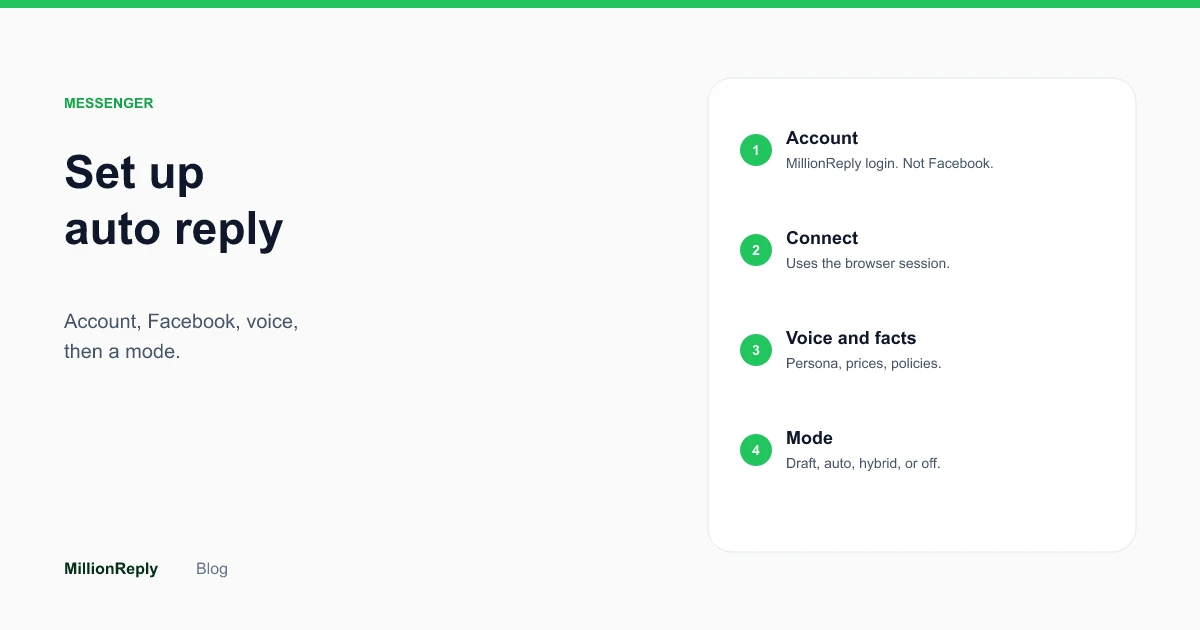
The whole thing takes about ten minutes, and no part of it involves creating a Page.
- Create a MillionReply account with your own email. Nothing to do with your Facebook login.
- Install the Chrome extension and open Messenger as normal. It uses the session already signed in.
- Write your persona. Tone, language, signature. Two minutes.
- Write your knowledge cards. Prices, hours, area, policies. This is the part worth doing slowly.
- Pick a reply mode. Start on draft.
Marketplace comes along as a second inbox with its own settings, so listing questions can be answered automatically while your personal chats stay on draft.
Keeping a personal account well behaved
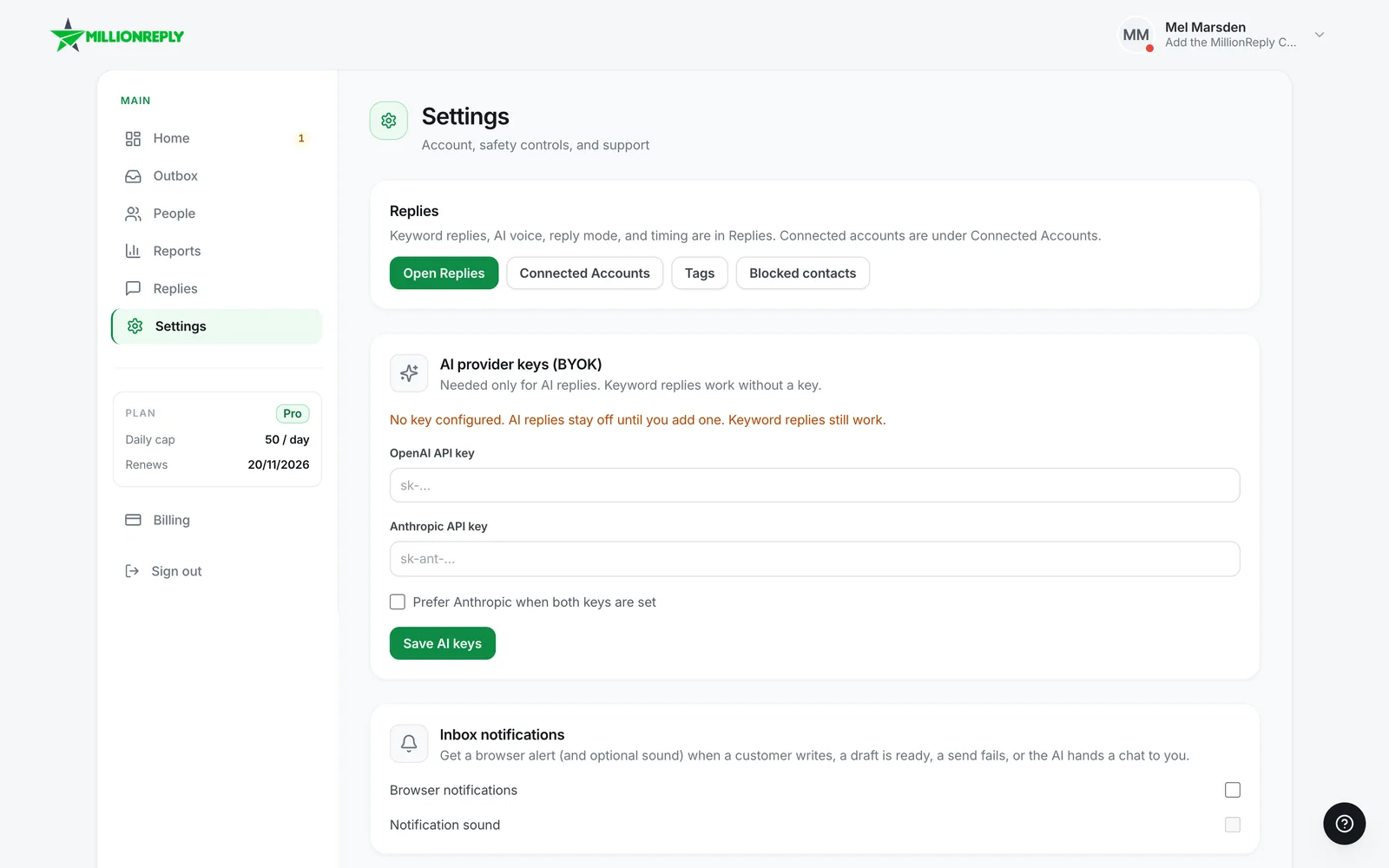
Answering people who messaged you is ordinary inbox behaviour. The controls exist so the pattern stays recognisably human:
- A randomised delay before anything sends, so a reply never fires the same second a message lands.
- A daily cap you set, matched to the volume you normally handle.
- Per-thread pause and takeover, so any conversation becomes yours in one tap.
- Draft approval, if you would rather nothing sends at all until you have read it.
There is no outreach feature, no contact importer and no bulk sender. It replies inside conversations that already exist, on one account, which is the shape of the product rather than a setting you have to remember.
For more on where the lines sit, see what the rules actually allow.
A normal day, once it is set up
Worth being concrete about what actually changes.
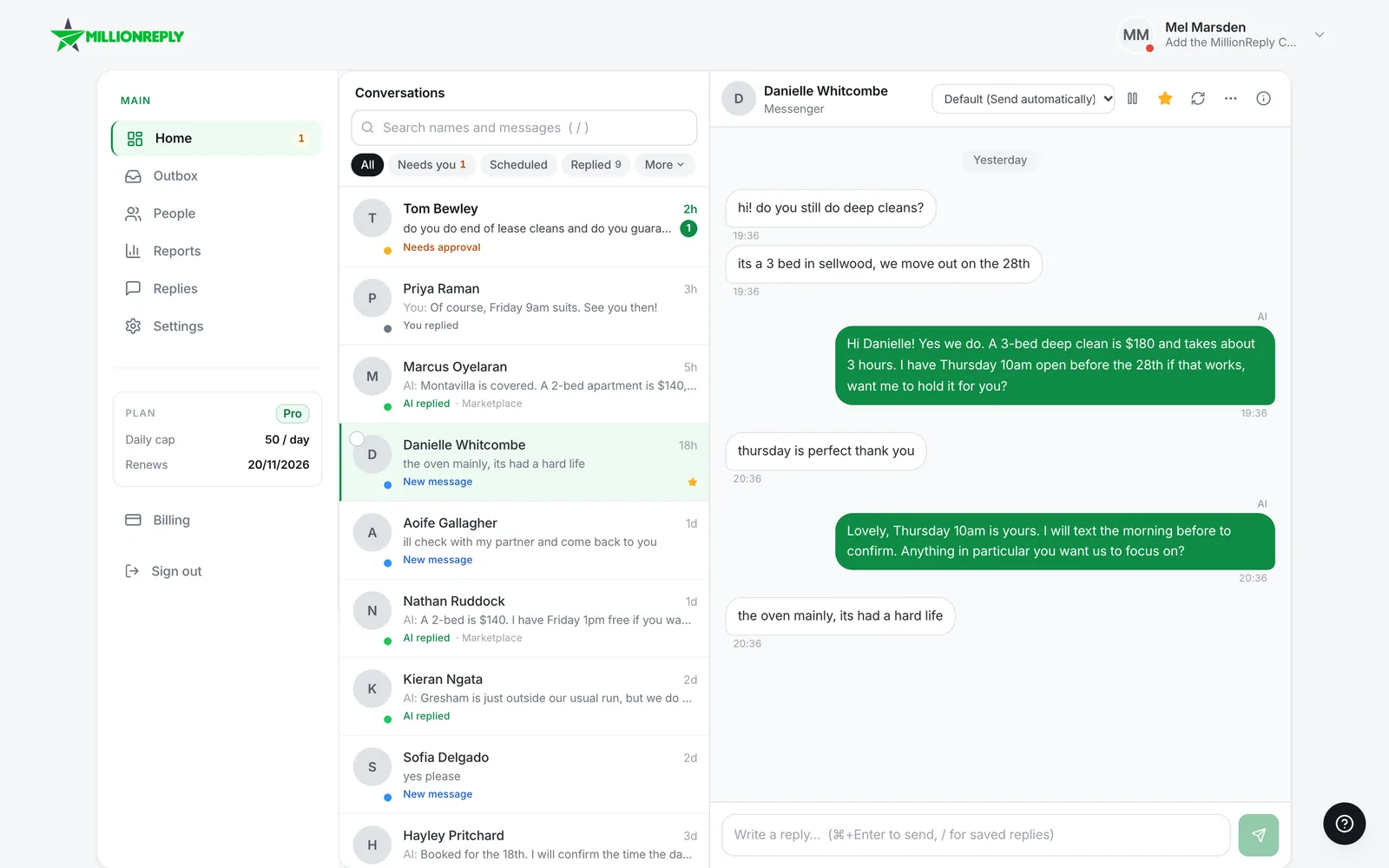
7:40am. You open the outbox over coffee. Four replies went out overnight on Marketplace, and two Messenger drafts are waiting. One is right and you send it. The other needed your call on a date, so you type two words and send that.
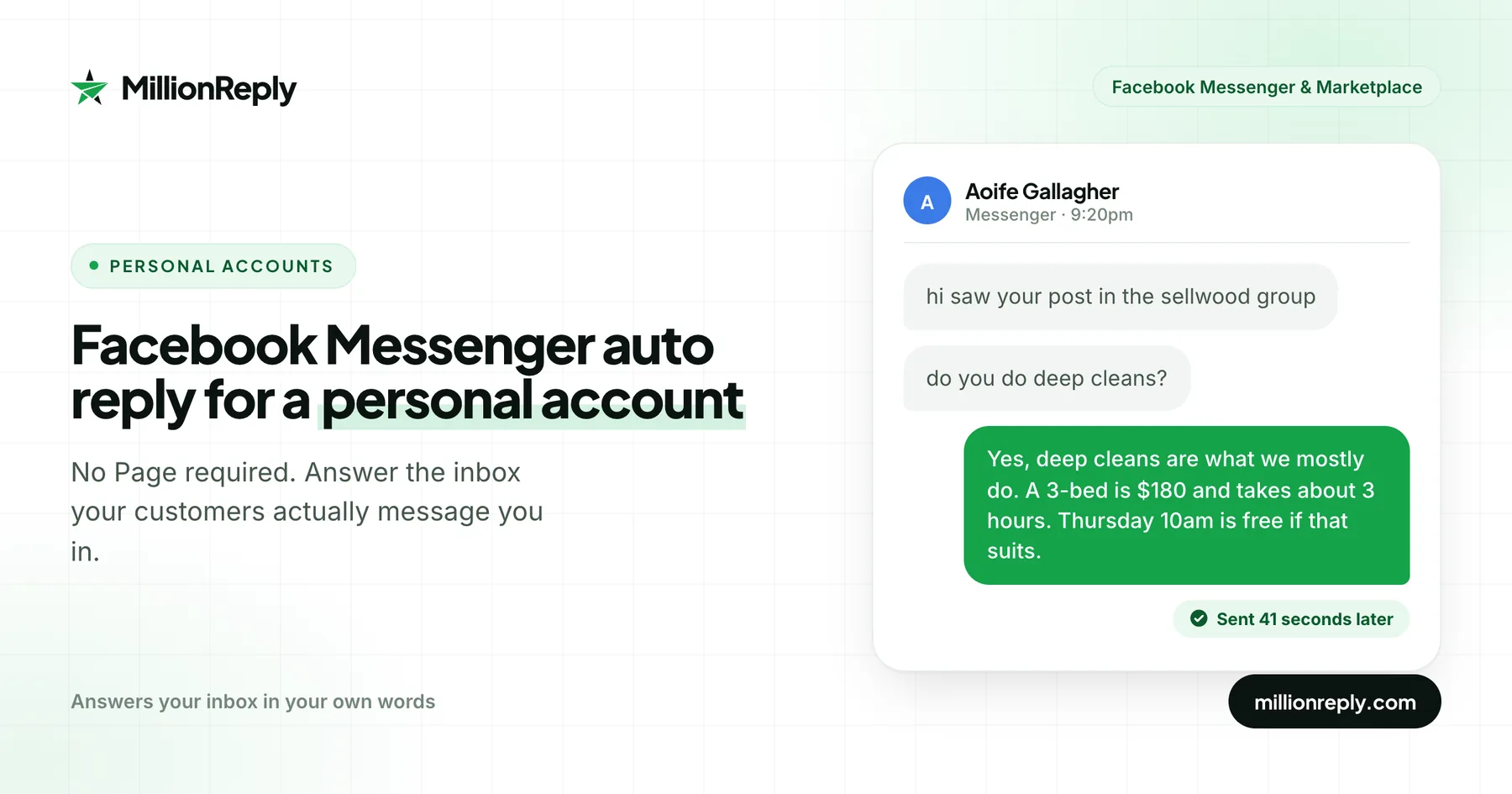
11am. You are on a job. Somebody asks what a 2-bed costs. The reply quotes $140 and offers Thursday, because that is what the price card says. You never see your phone.
2pm. A message comes in about a complaint from last week. Your handoff rule catches the word “refund” and routes it to you instead of answering. You deal with it yourself at lunch, which is what you wanted.
9pm. Three enquiries land. The after-hours reply tells each of them you are closed, gives the price, and offers the next open slot. Two reply “yes please” before midnight.
The pattern is that the repetitive questions stop reaching you and the ones that need judgement still do.
What a personal inbox looks like once it is answered
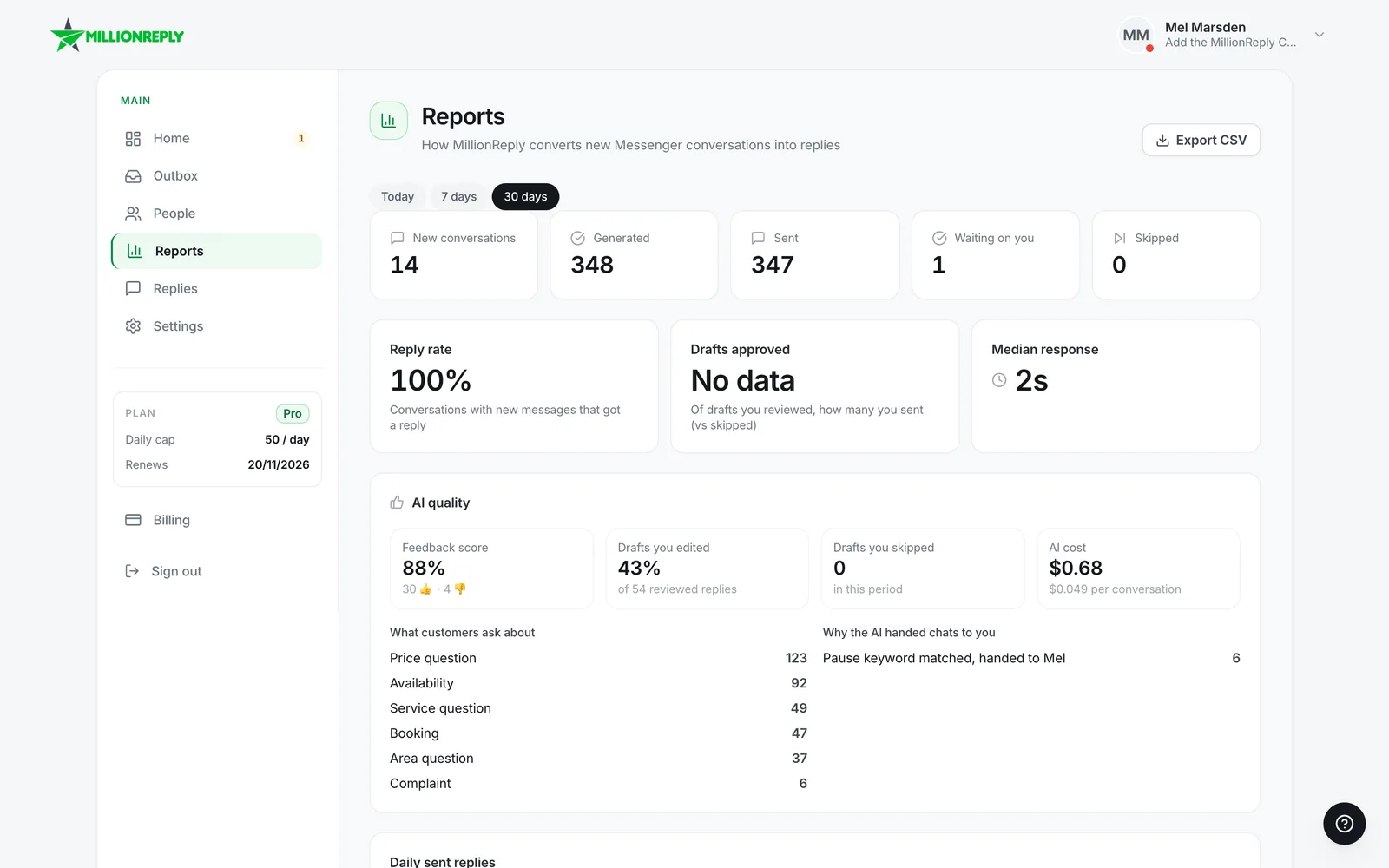
The reply rate is the number worth looking at. Not because the tool sent a lot, but because nothing was left sitting overnight, which is what a personal inbox normally does to a one-person business.
Common questions before you start
Will it reply to my friends? Only to the conversations you enable. You choose the scope, and most people start with a handful.
What if someone asks something I have not written down? The reply says you will come back to them, and the thread surfaces for you. Add the card and it answers properly next time.
Can I stop it mid-conversation? Yes. Takeover pulls it out of that thread immediately and keeps it out until you hand it back.
Does it work if I close my laptop? New messages are seen through an open Messenger tab in Chrome. Leave one open while you want replies going out.
The short version
Facebook built automation for Pages and never built it for profiles. The inbox it skipped is the one your customers actually use.
A reply tool that works inside your own browser session fills that gap: your voice, your prices, your approval if you want it, and no Page anywhere in the process. Start on draft, read a day of real replies, and go from there. The full setup walkthrough covers each step in detail.
Questions people ask
Can you set an auto reply on a personal Facebook Messenger account?
Not with Facebook's own settings. Instant replies and away messages are Page features and need a Page admin role. A personal profile has no equivalent option, which is why people reach for a reply tool that works inside their own browser session instead.
Why does Facebook only offer auto reply for Pages?
A Page is a business entity with roles, permissions and an API, so Facebook built automation for it. A profile is treated as a person, so no automation settings were ever added. For a sole trader that distinction is academic, because the messages still arrive on the profile.
Do I need a Facebook Page to use MillionReply?
No. MillionReply answers your personal Messenger and your Marketplace messages directly. You never create a Page, and you never need a Page admin role.
Does it need my Facebook password?
No. It works through the Facebook session already signed in to your Chrome browser, so there is no password to hand over and nothing to leak.
Will it reply to friends and family too?
Only to the conversations you enable. You choose the scope, and you can pause any thread or take it over at any time.
Can I approve replies before they send?
Yes. Draft mode writes every reply in your voice and holds it until you press send. Hybrid sends the opening reply and holds the follow-ups.