How to set up a Facebook away message (with examples)
An away message that only states your opening hours has answered nothing. The useful ones give a price and a time, and they book work overnight.
The short version
- The away message setting lives in your Facebook Page inbox, under the automations or automated responses section.
- It covers the Page inbox only. Messages to your personal profile and Marketplace listing questions are not included.
- An away message that answers something converts far better than one that states opening hours.
- Say you are closed, give a stored fact such as a price, offer the next real slot, and ask one question.
On this page
An away message is the reply Facebook sends when someone messages your Page outside your opening hours. It takes two minutes to switch on, and most of them are written in a way that wastes the opportunity entirely.
This covers where the setting is, what to write, and which messages it will never reach.
Where the setting lives
Open your Facebook Page inbox and look for the automations or automated responses section. Inside it you will find the away message, where you turn it on, set the hours it applies to, and write the text.
You need a Page admin, editor or moderator role to change it. Meta reorganises these menus from time to time, so if the wording on your screen differs, their help pages have the current path.
Two related settings sit alongside it:
- Instant reply fires on the first message at any time of day.
- Away message fires only outside the hours you set.
Most businesses want both, saying different things.
Away message or instant reply?
The two settings sit next to each other and do different jobs.
An instant reply fires on the first message in a conversation, at any hour. It is a greeting, and it is sent even when you are open and about to answer personally, which is why a bad one is actively annoying.
An away message fires only outside the hours you set. It is the one that matters, because it is the one sent when nobody is coming.
If you only configure one, configure the away message. If you configure both, keep the instant reply very short, since you are about to reply properly anyway.
What most away messages get wrong
Here is the version almost everybody writes:
Thanks for your message! Our hours are 9am to 6pm Monday to Friday. We’ll get back to you as soon as possible.
It confirms the message arrived, restates hours that are already on the Page, and promises nothing specific. The person asked a question and got a receipt.
Now the same situation answered:
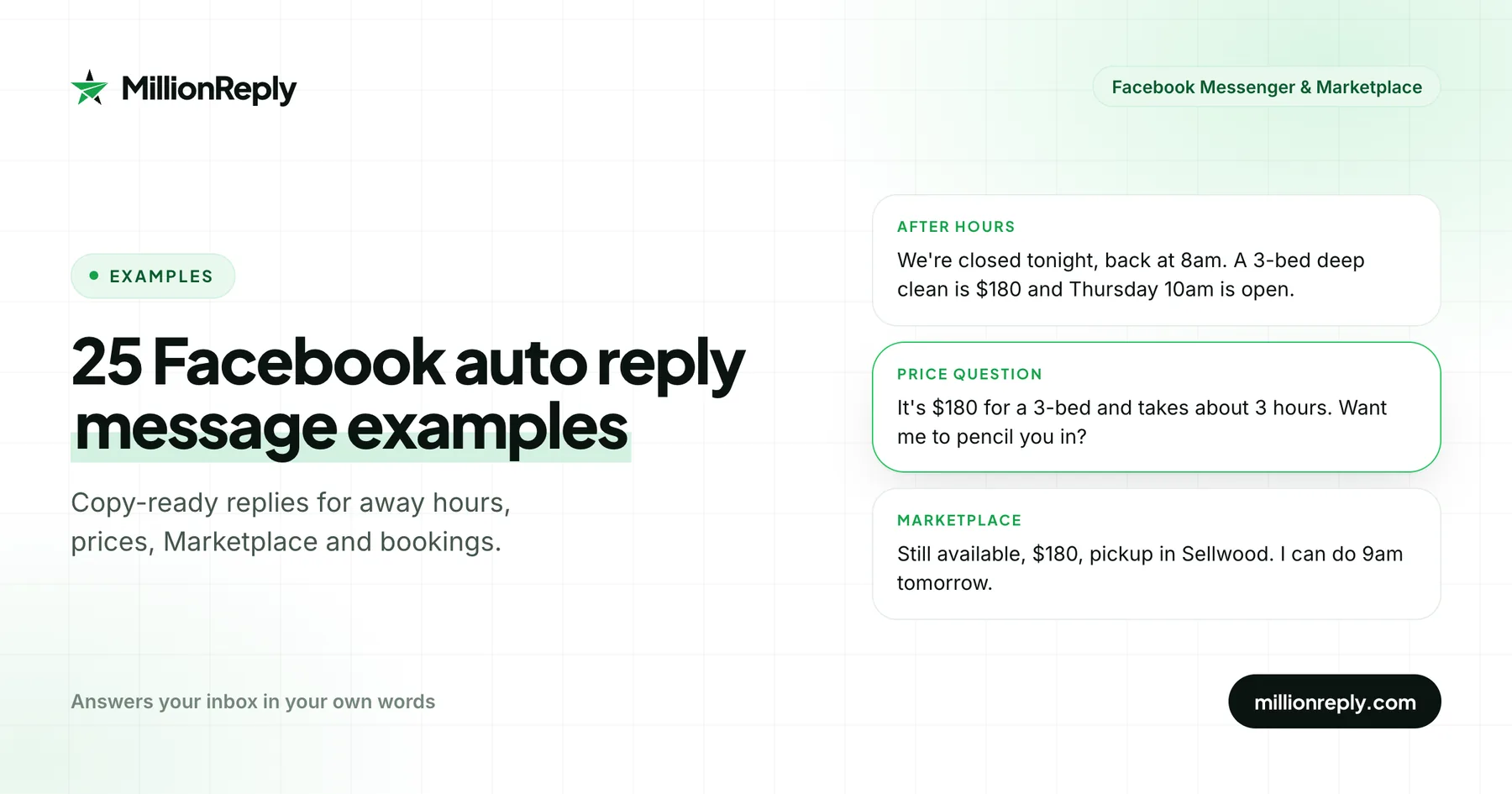
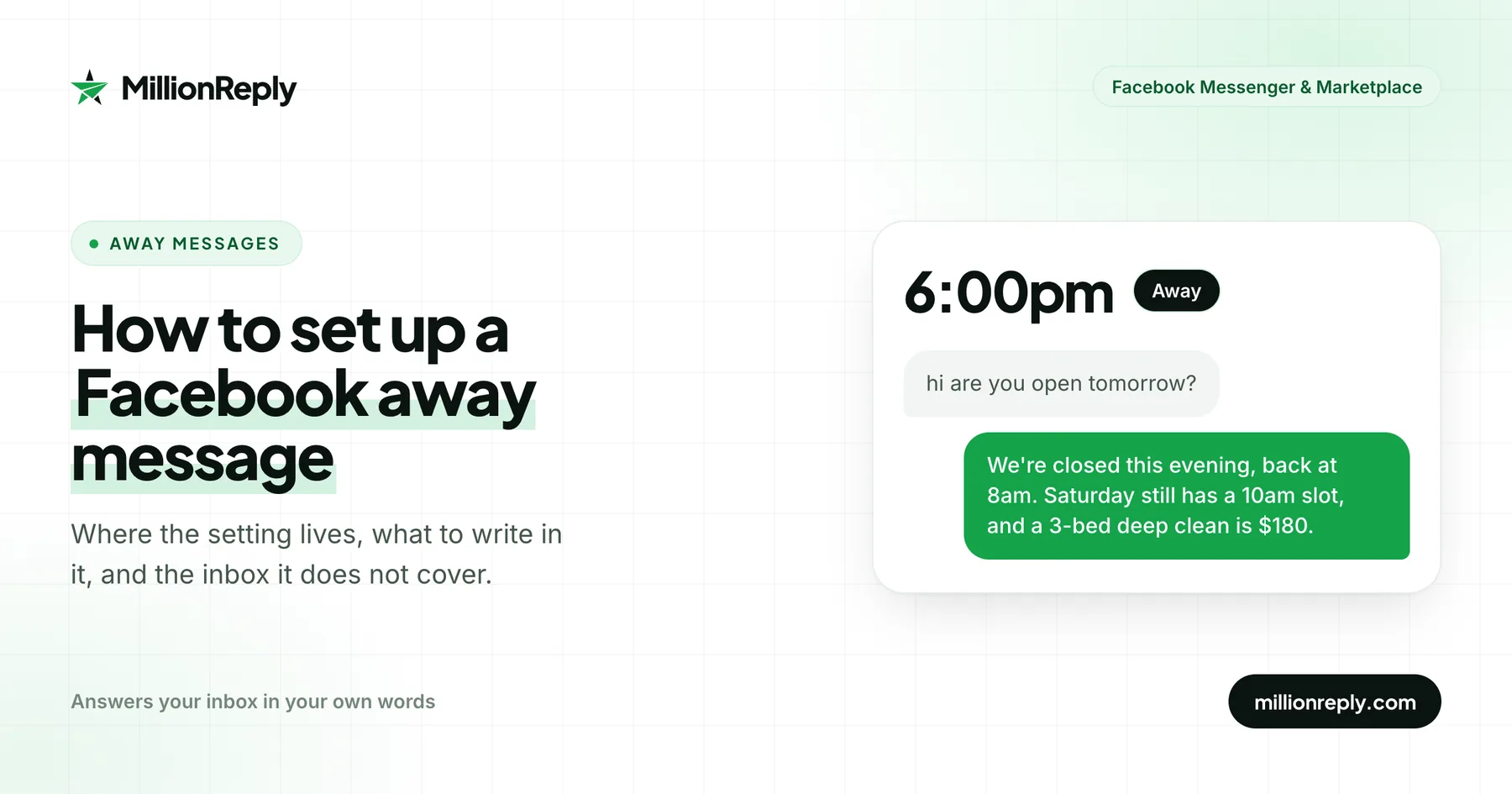
We’re closed for the night, back at 8am. A 3-bed deep clean is $180 and Thursday 10am is still open. Shall I hold it?
Closed, priced, offered, asked. They can decide before they go to sleep, and in the morning you have a booking rather than an enquiry.
The four parts
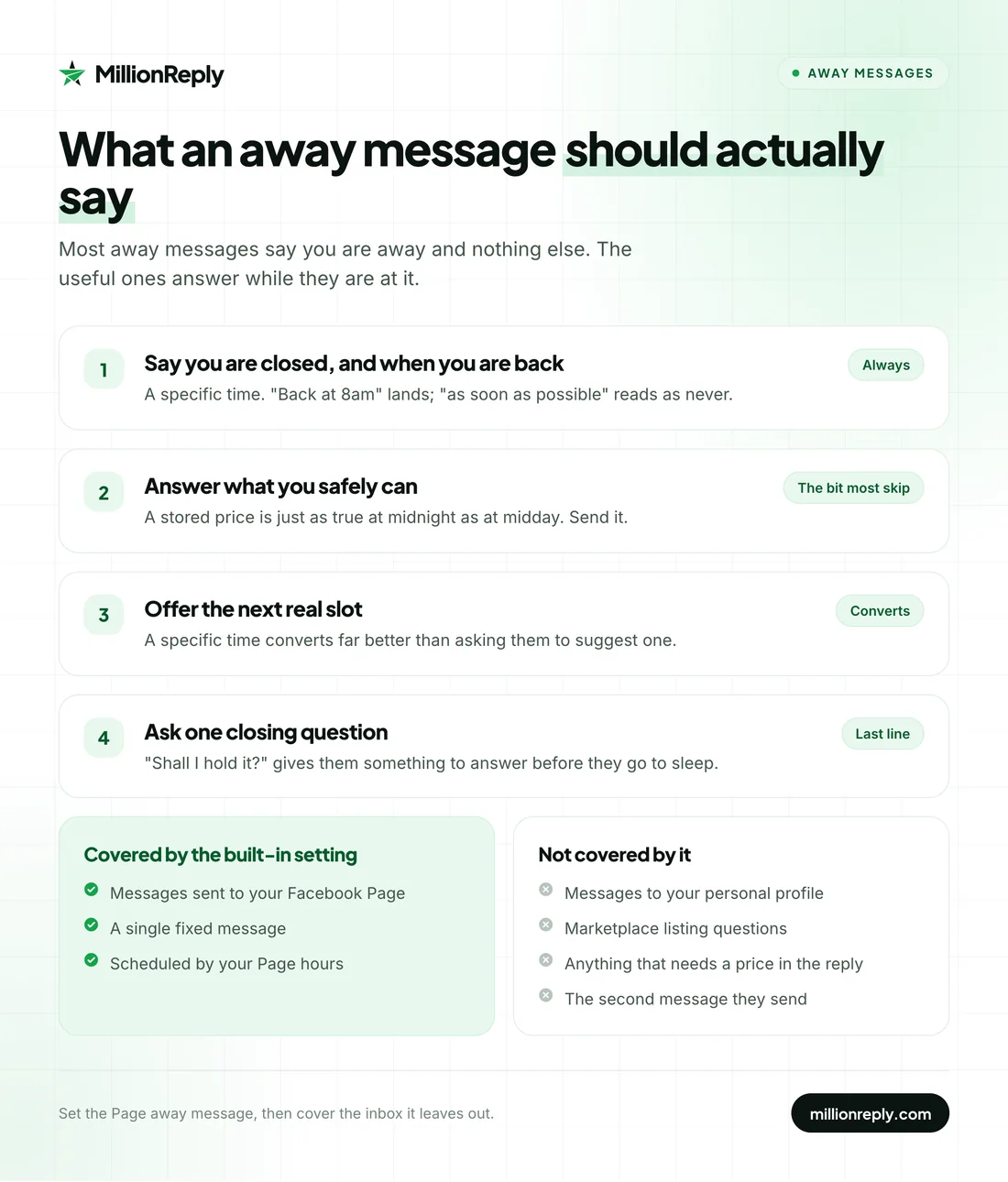
Say you are closed and name the time you are back. “Back at 8am” is a fact. “As soon as possible” reads as never.
Answer what you safely can. A stored price is just as true at midnight as at midday. This is the part nearly everyone skips, and it is the part that works.
Offer the next real slot. A specific time converts far better than asking someone to suggest one.
Ask one closing question. “Shall I hold it?” gives them something to answer tonight.
Examples by trade
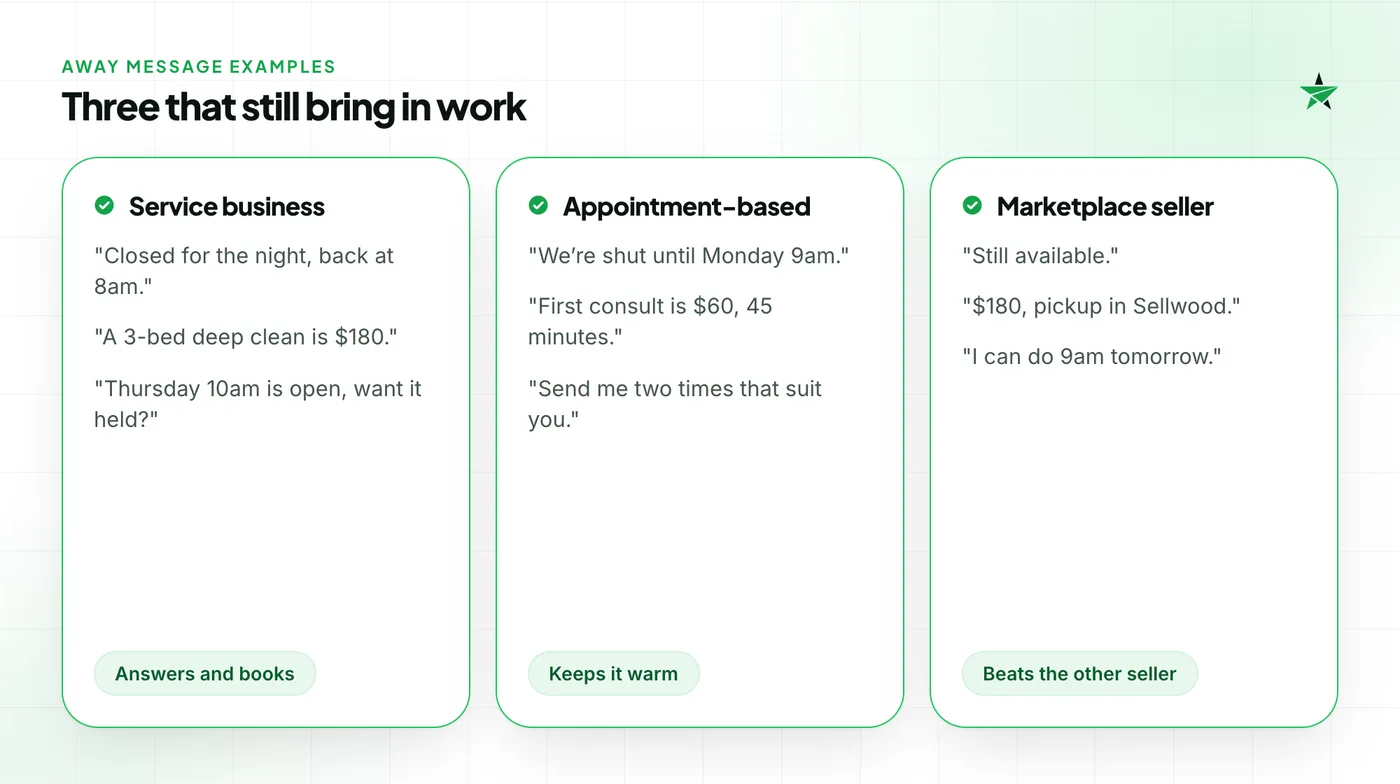
Service business
Closed for the night, back at 8am. A 3-bed deep clean is $180 and takes about 3 hours. Thursday 10am is open if you want it held.
Trades and callouts
Finished for today, back at 7am. Callout is $90 and covers the first hour. Send the postcode and what’s wrong and I’ll confirm a time first thing.
Appointment-based
We’re shut until Monday 9am. A first consultation is $60 and runs 45 minutes. Send me two times that suit you and I’ll lock one in when we open.
Weekend closure
Closed for the weekend, back Monday. Weekly cleans are $95 a visit and I have space from the 2nd. Want me to pencil you in?
More in the 25 auto reply examples, including price questions and Marketplace.
Hours, weekends and holidays
The schedule is as important as the text.
Set the hours you actually keep. Not the hours on your website. If you answer until 8pm most evenings, setting 5pm means customers get a closed notice while you are visibly online.
Weekends need their own thought. “Back Monday 9am” is a fact. “After the weekend” makes the customer work it out, and some of them will not bother.
Holidays need the date. A closure longer than a couple of days should name the day you reopen and still carry a price, because somebody planning a job for three weeks’ time does not care that you are away now.
Turn it off when you come back. An away message still running on a Tuesday afternoon is worse than not having one.
Checking it works
Two minutes, and it catches the common mistakes.
Message your Page from another account outside your hours. Read what comes back as a stranger would: does it answer anything, or does it just confirm receipt? Does it name a specific time you are back? Would you reply to it?
Then message during your hours and confirm the away message does not fire. A closed notice sent at 11am is the error customers mention.
What the away message does not cover
This is the part worth knowing before you consider the job done.
Messages to your personal profile. Away messages are a Page feature. Referrals who were given your name, repeat customers, anyone who found you in a local group: they message your profile, and the Page setting never sees those conversations. Personal Messenger has no built-in away message at all.
Marketplace listing questions. A separate source, not covered.
The second message. An away message is one fixed line. When somebody replies “great, how much for a 2-bed instead?”, that question waits until morning.
Anything that needs a different answer. One message goes to everybody, so it cannot mention a price for one person and a lead time for another.
Covering the inbox it leaves out
Set the Page away message. It takes two minutes and it handles Page traffic.
Then look at where your messages actually arrive. Open your Page inbox and count the last month, then do the same on your personal Messenger. For most small businesses the second number is far bigger, and that is the inbox worth answering properly.
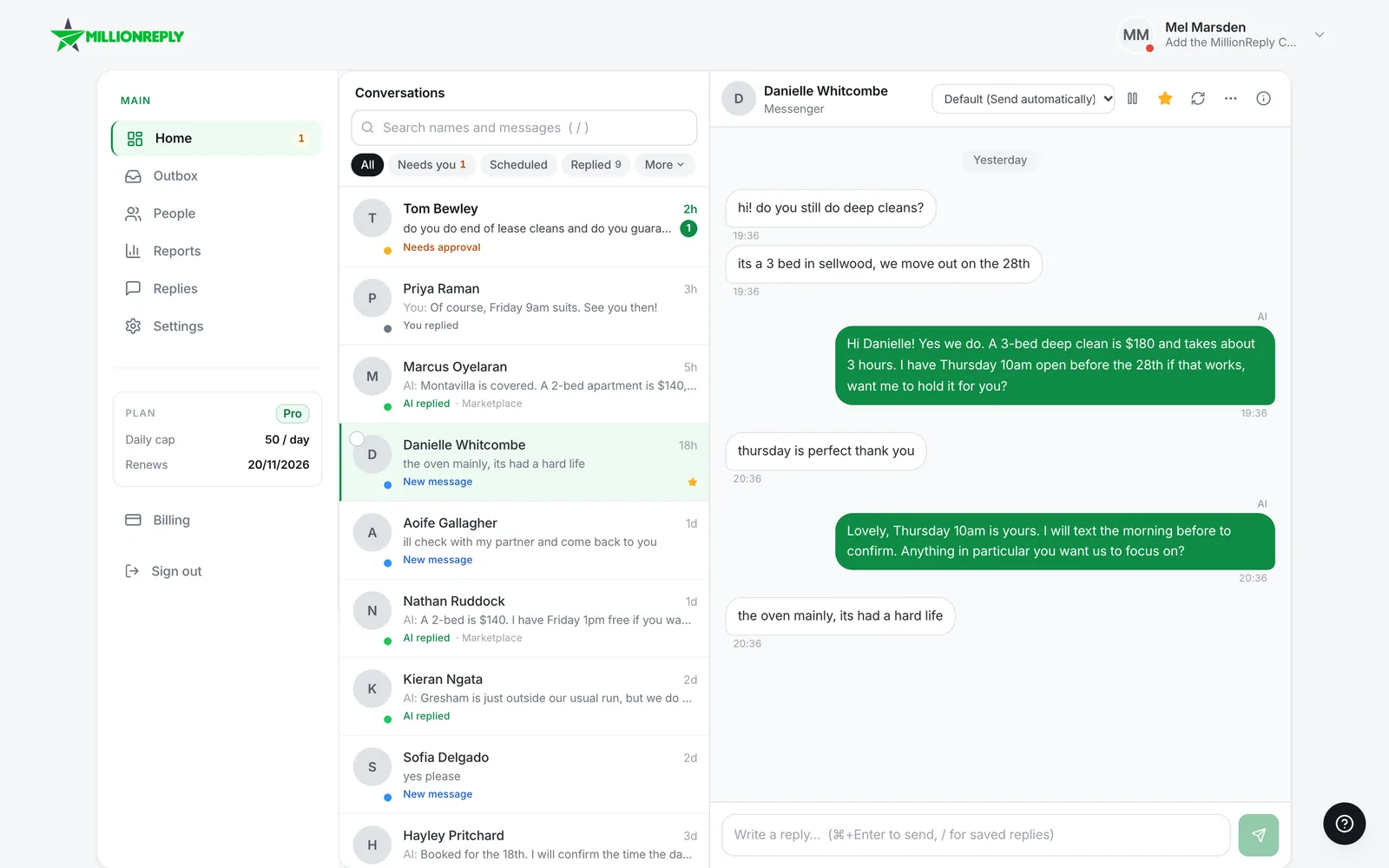
A reply tool that covers personal Messenger and Marketplace does what a fixed away message cannot: it answers the specific question, uses your real numbers, handles the follow-up, and still tells people you are closed. Business hours are set per inbox, so Marketplace can keep answering overnight while Messenger says you are back at nine.
The short version
Turn the away message on, and write it so it answers something. Closed, a price, a real slot, one question.
Then check which inbox your customers actually use. If it is your profile, the away message you just wrote will never be sent to them.
Questions people ask
Where is the away message setting on Facebook?
In your Facebook Page inbox, under the automations or automated responses section, where you turn on the away message, set the hours it covers and write the text. You need a Page admin, editor or moderator role to change it. Meta moves this menu occasionally, so check their help pages if the wording differs.
What should a Facebook away message say?
That you are closed and the specific time you are back, plus something useful such as your standard price and the next slot that is genuinely open, then one closing question. An away message that only lists opening hours has answered nothing.
Does a Facebook away message work on a personal account?
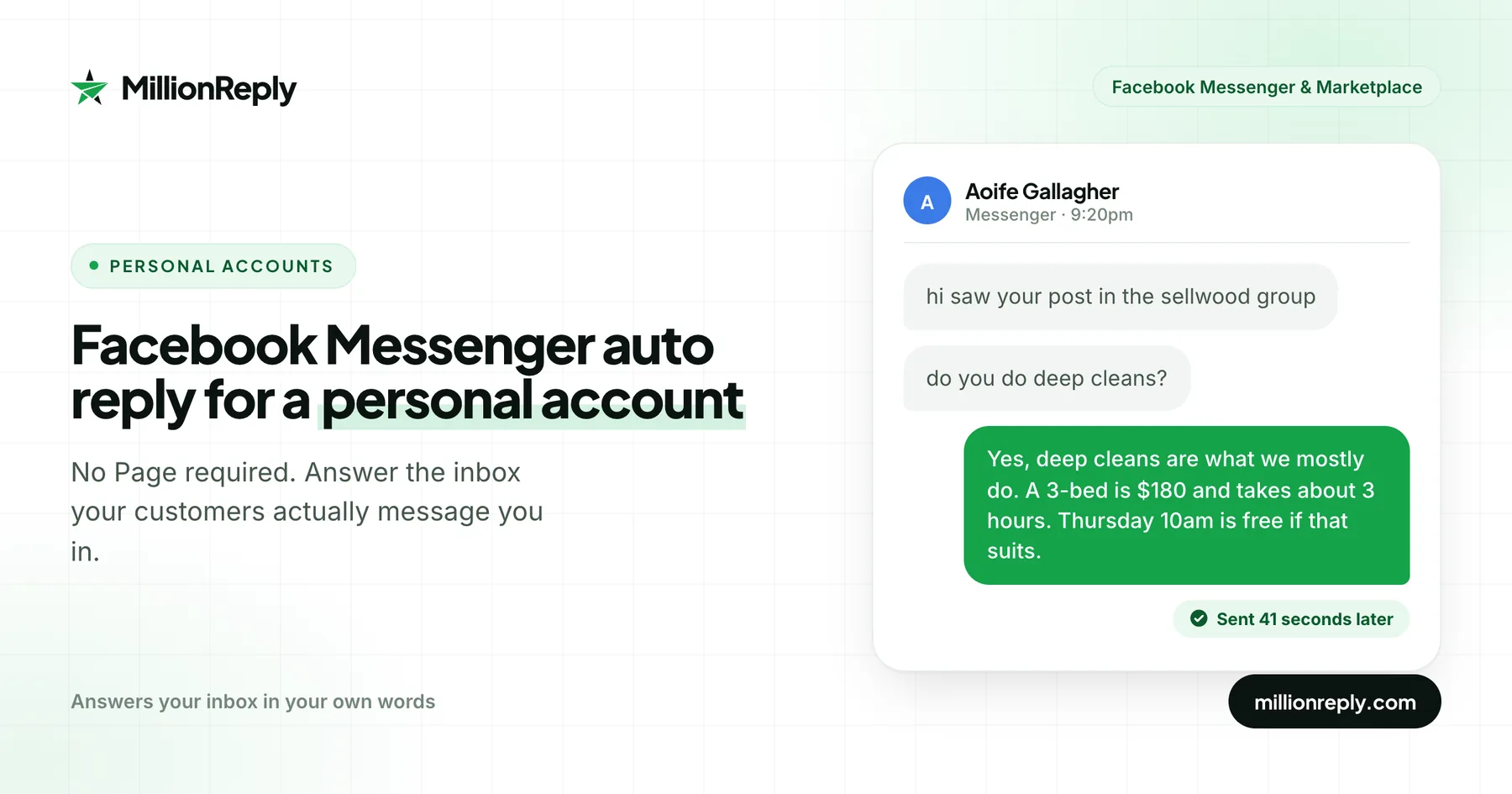
No. Away messages and instant replies are Page features and require a Page role. A personal profile has no equivalent setting, so those messages go unanswered unless you use a reply tool that covers the personal inbox.
Does an away message cover Marketplace?
No. Marketplace listing questions are a separate source and are not covered by a Page away message.
Should the away message include prices?
Yes, when the price is stable. It is the question most people are asking, it is just as true at midnight as at midday, and answering it is what turns an evening enquiry into a morning booking.