How to choose a Facebook Messenger auto reply app
Almost every tool in this category answers a Facebook Page. If your customers message your profile, that is the first question to ask and most of the answer.
The short version
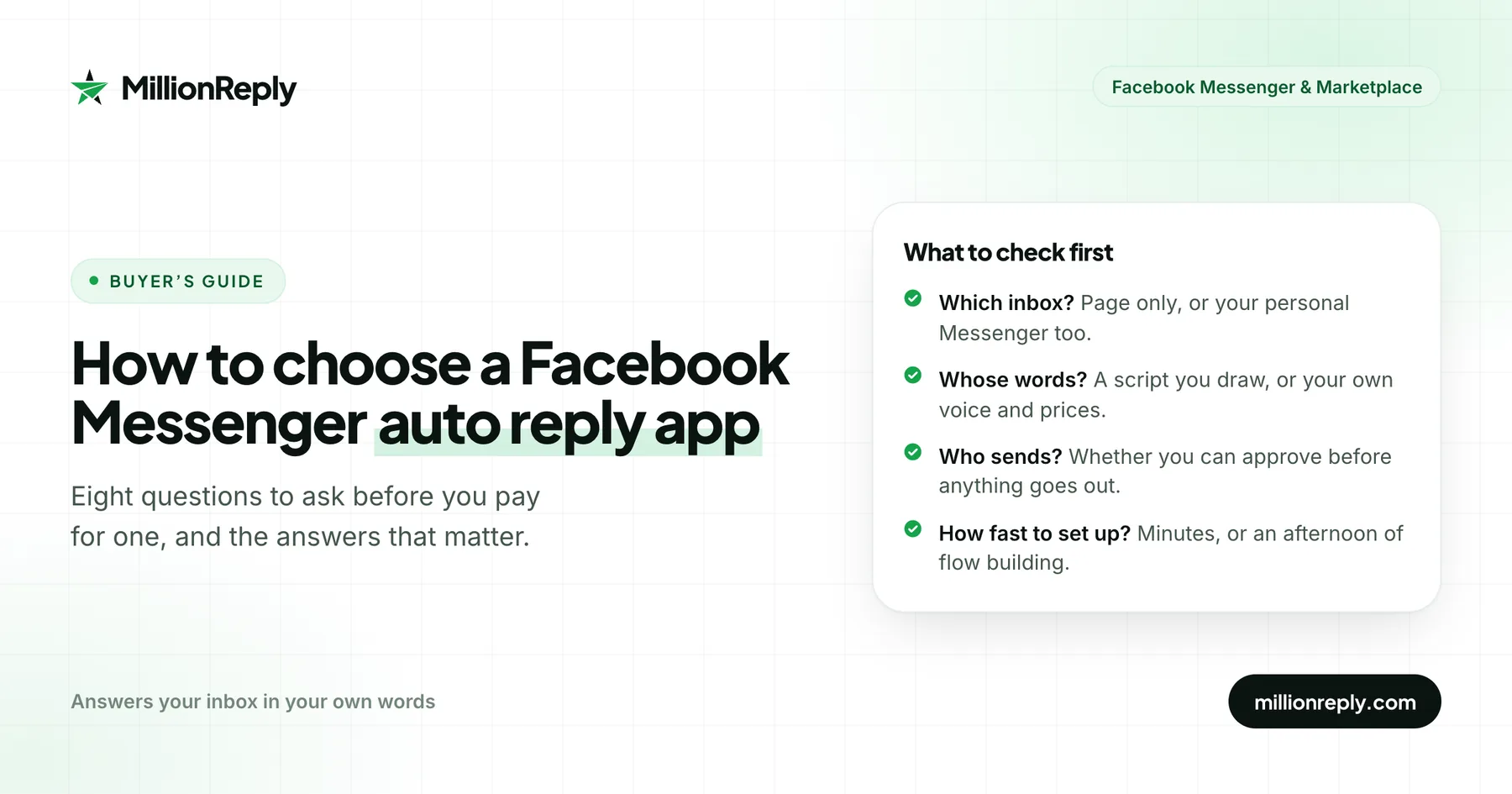
- Start with the inbox. Most tools in this category answer a Facebook Page and cannot see your personal messages.
- Scripted flow builders answer the branches you drew. Fact-based tools answer the question that was actually asked.
- A draft mode matters more than it sounds. It is the difference between trying it today and waiting until you feel brave.
- Watch the pricing shape. Per-contact billing grows with your inbox, which is the opposite of what you want when it works.
On this page
- 1. Which inbox does it answer?
- 2. Does it cover Marketplace?
- 3. Where do the answers come from?
- 4. Can you approve before it sends?
- 5. Does it sound like you?
- 6. How long does setup take?
- 7. What are the controls?
- 8. What does the pricing do as you grow?
- Red flags on a pricing page
- What to test in the first hour
- How MillionReply answers the eight
- The short version
Most comparisons in this category start with features. Start with the inbox instead, because that single question rules out most of the market before you look at anything else.
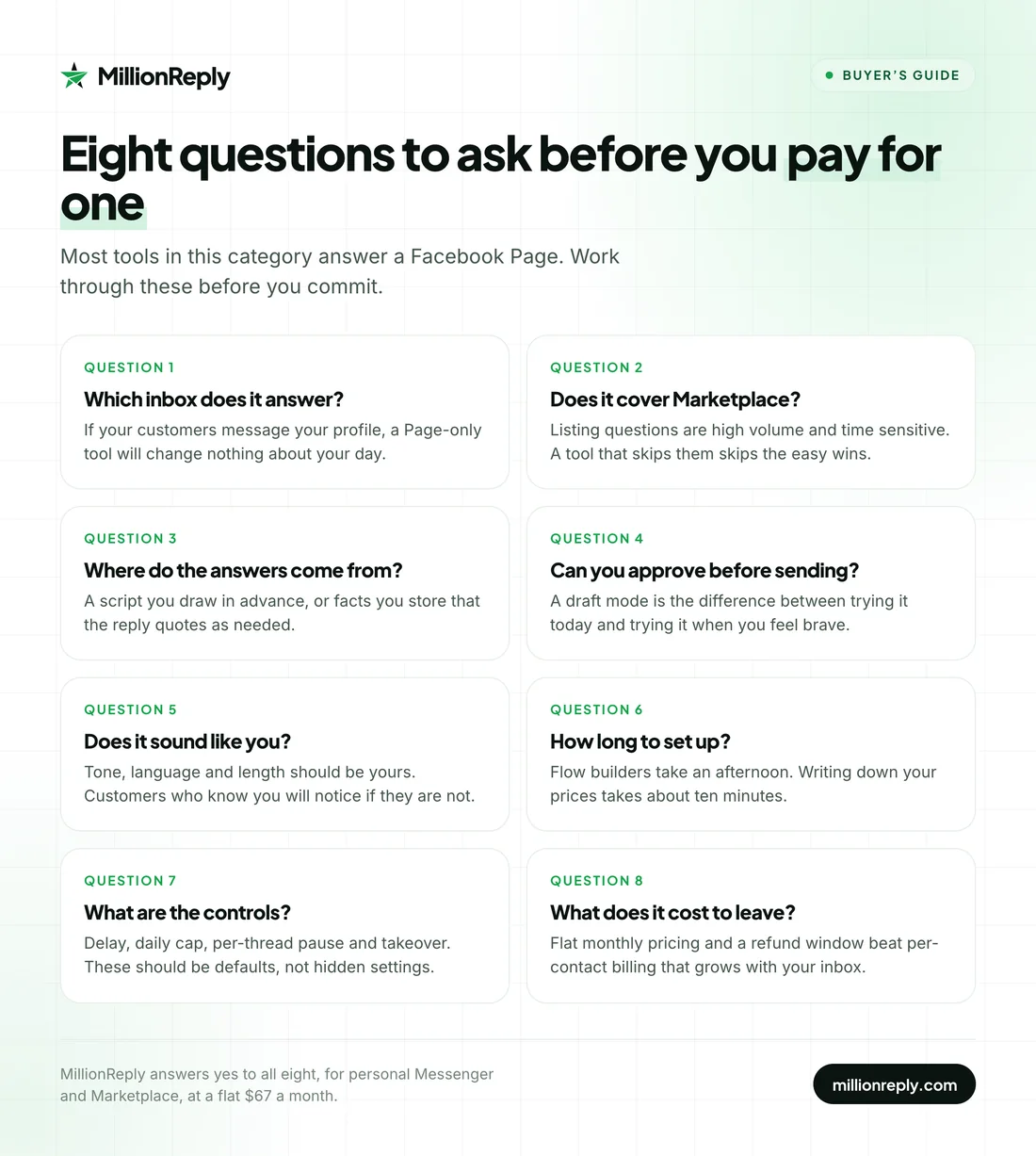
Here are eight questions worth answering before you pay for anything.
1. Which inbox does it answer?
Facebook has two. A Page inbox receives messages from people who clicked Message on a Page. Personal Messenger receives everything sent to you as a person.
Almost every tool in this category was built on Facebook’s Page messaging tools, so it answers the first and cannot see the second. That is a product limit rather than an oversight, and no amount of configuration gets round it.
Before buying anything, open both inboxes and count the last month of messages. For most trades, sellers and local services, the personal one is many times busier. A tool that cannot reach it will not change your day.
2. Does it cover Marketplace?
Marketplace questions are high volume, repetitive and extremely time sensitive, because buyers message several sellers and buy from whoever answers first.
A tool that skips Marketplace skips the easiest wins available. Ask whether it is a separate inbox with its own settings, or not supported at all.
3. Where do the answers come from?
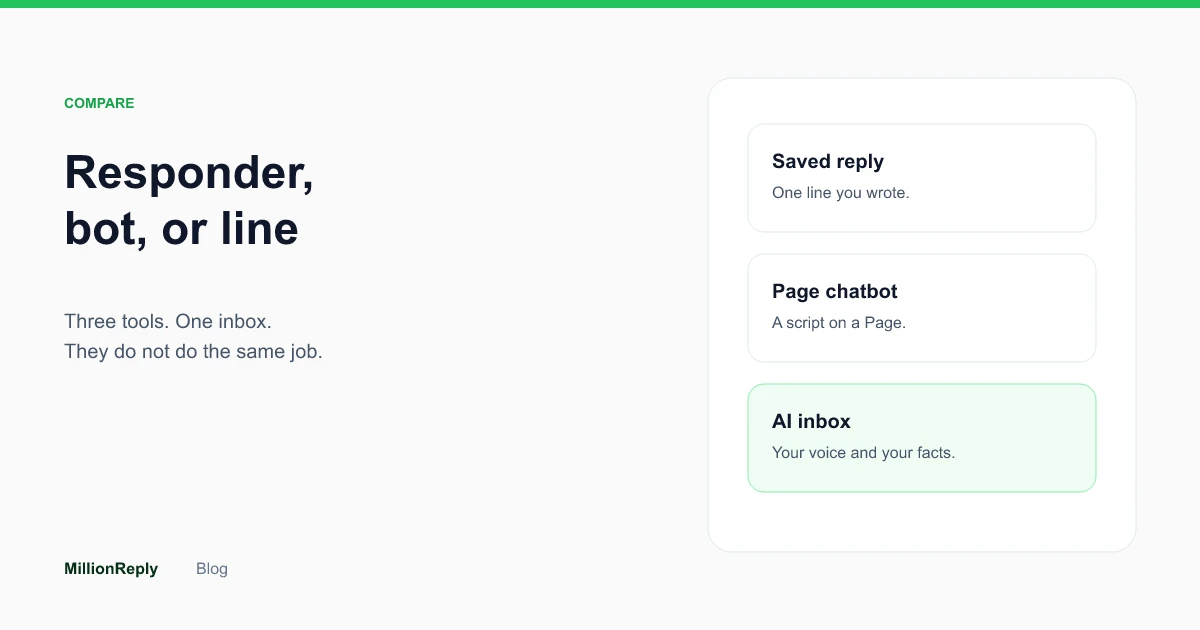
Two different designs:
A flow you draw in advance. Buttons, branches, quick replies. It can only answer paths somebody built, so an unanticipated question gets deflected to a menu.
Facts you store. Prices, hours, service area, policies. The reply is composed against whatever was actually asked, using the relevant facts.
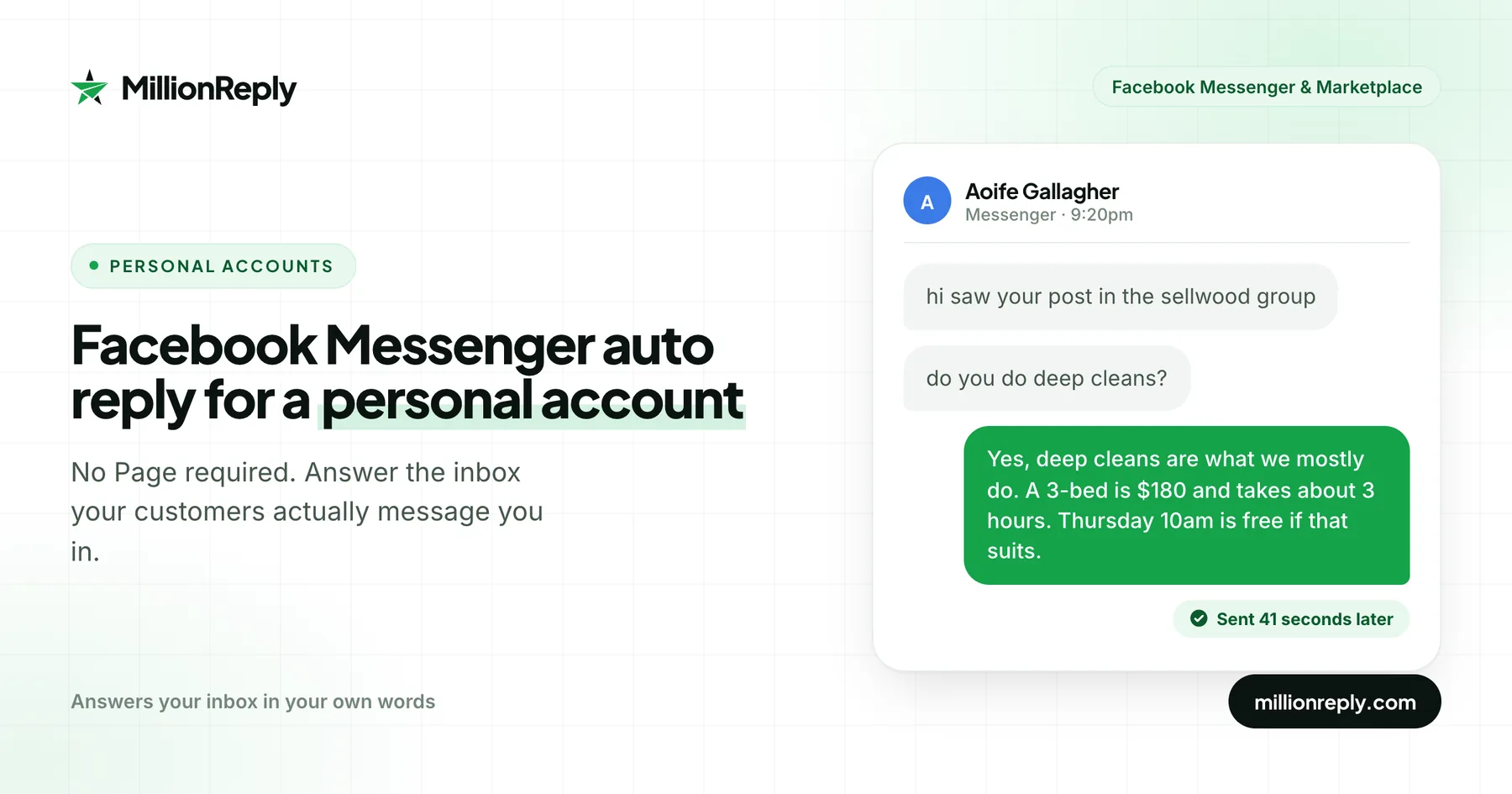
Flows suit a journey that genuinely is a sequence of choices. Most small-business inboxes receive open questions instead: “how much for a 3-bed”, “can you do Thursday”, “do you come out to Gresham”. Those want the second design.
4. Can you approve before it sends?
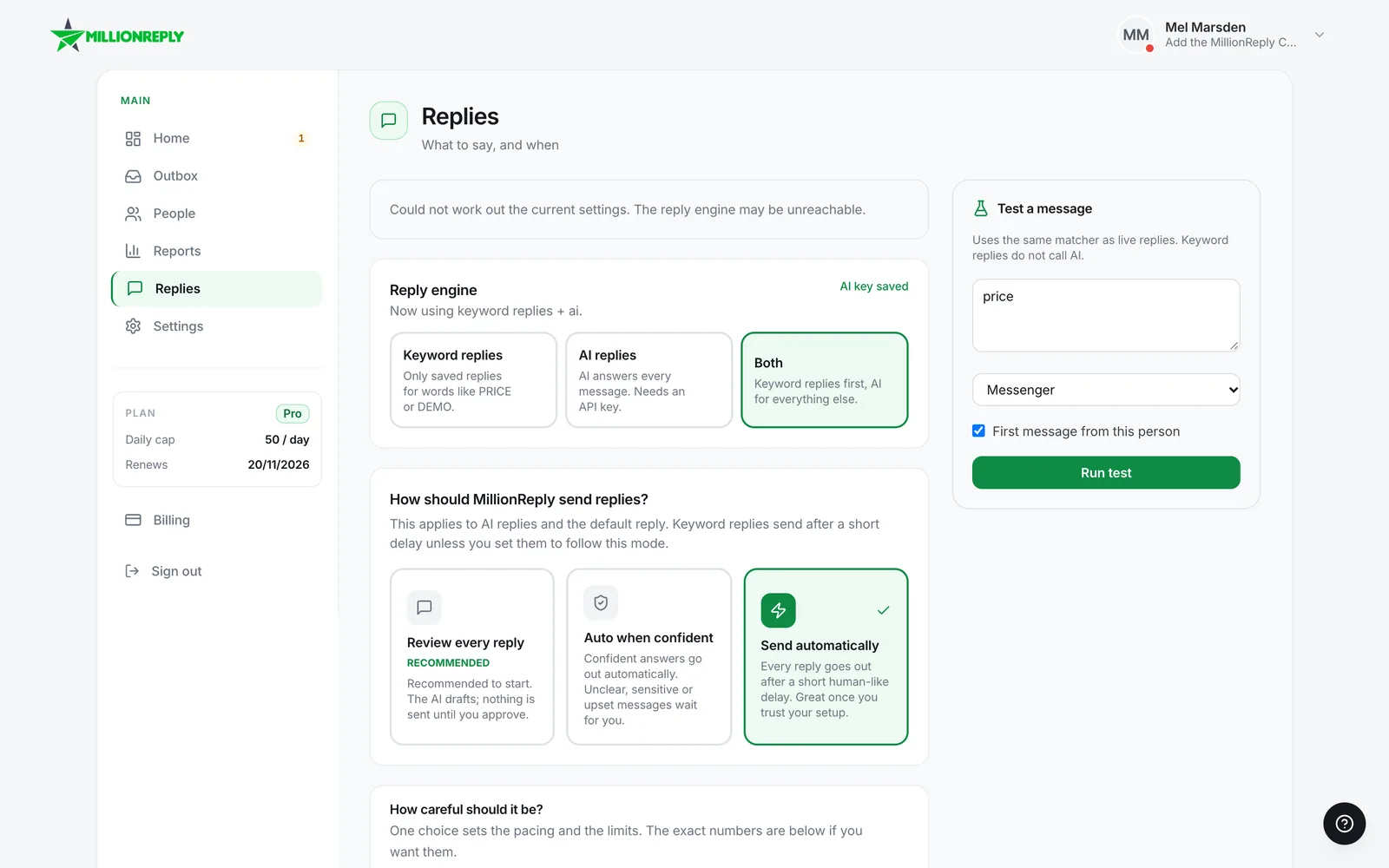
This matters more than it sounds, because it decides when you actually start.
With a draft mode, every reply is written for you and nothing goes out until you press send. You get the time saving immediately and keep full control, and you can read a day of real replies before deciding to let any of them send on their own.
Without one, the decision is all or nothing, and most people put it off.
5. Does it sound like you?
Your customers often know you. A menu of buttons from someone whose van they have seen outside a neighbour’s house reads as odd.
Check whether you can set tone, language and length, and whether replies quote your actual numbers. A reply that says “prices vary depending on requirements” has given the game away. One that says “$180 for a 3-bed, about 3 hours” has not.
6. How long does setup take?
Flow builders take an afternoon, because you are drawing every branch and every fallback. Then they take another afternoon when your prices change.
A fact-based tool takes about ten minutes, and most of that is writing down prices you already know. Maintenance is editing one card.
Ask for the realistic number, not the marketing one.
7. What are the controls?
Four things should be defaults rather than buried settings:
- A randomised delay, so replies do not fire the instant a message lands.
- A daily cap you set.
- Per-thread pause, so one conversation can be taken back without stopping everything.
- Human takeover, so a thread you claim stays yours.
8. What does the pricing do as you grow?
Per-contact and per-conversation pricing rises exactly as the tool starts working, which is a strange thing to agree to. A busy month becomes an expensive month.
Flat monthly pricing is easier to live with. Also check the exit: a refund window tells you how confident the product is.
Red flags on a pricing page
A few things reliably predict a bad fit.
“Connect your Facebook Page” in the setup steps. Answers question one. It covers the Page.
Pricing per contact or per conversation. The bill grows as the product works. Fine for a funded startup running ads; punishing for a sole trader with a busy month.
A gallery of flow templates as the main screenshot. This is a flow builder. Good at journeys, poor at open questions.
No mention of approval or draft mode. Means replies send or they do not, and you will put off switching it on.
“Unlimited AI responses” with no mention of what the AI knows. Volume is not the hard part. Accuracy is, and accuracy comes from your facts being stored somewhere.
What to test in the first hour
Whatever you pick, these four checks tell you most of what you need.
- Send it your three most common questions, phrased the way a customer actually phrases them. Not “what is your pricing structure” but “how much for a 3 bed”.
- Check the numbers in the replies. A reply that hedges instead of quoting means the tool has nowhere to keep your prices.
- Ask a second question in the same thread. Plenty of tools answer the opener and then lose the plot.
- Change a price and see how long the update takes. One card edit, or an afternoon redrawing a flow.
If a tool passes those four, it will probably survive contact with your actual inbox.
How MillionReply answers the eight
Stated plainly, since this is a buyer’s guide:
| Which inbox | Personal Messenger and Facebook Marketplace |
| Marketplace | Yes, as its own inbox with its own settings |
| Answers from | Knowledge cards holding your prices, hours, area and policies |
| Approve first | Yes. Draft holds everything, hybrid sends only the opener |
| Your voice | Tone, language, signature and length, set to match how you type |
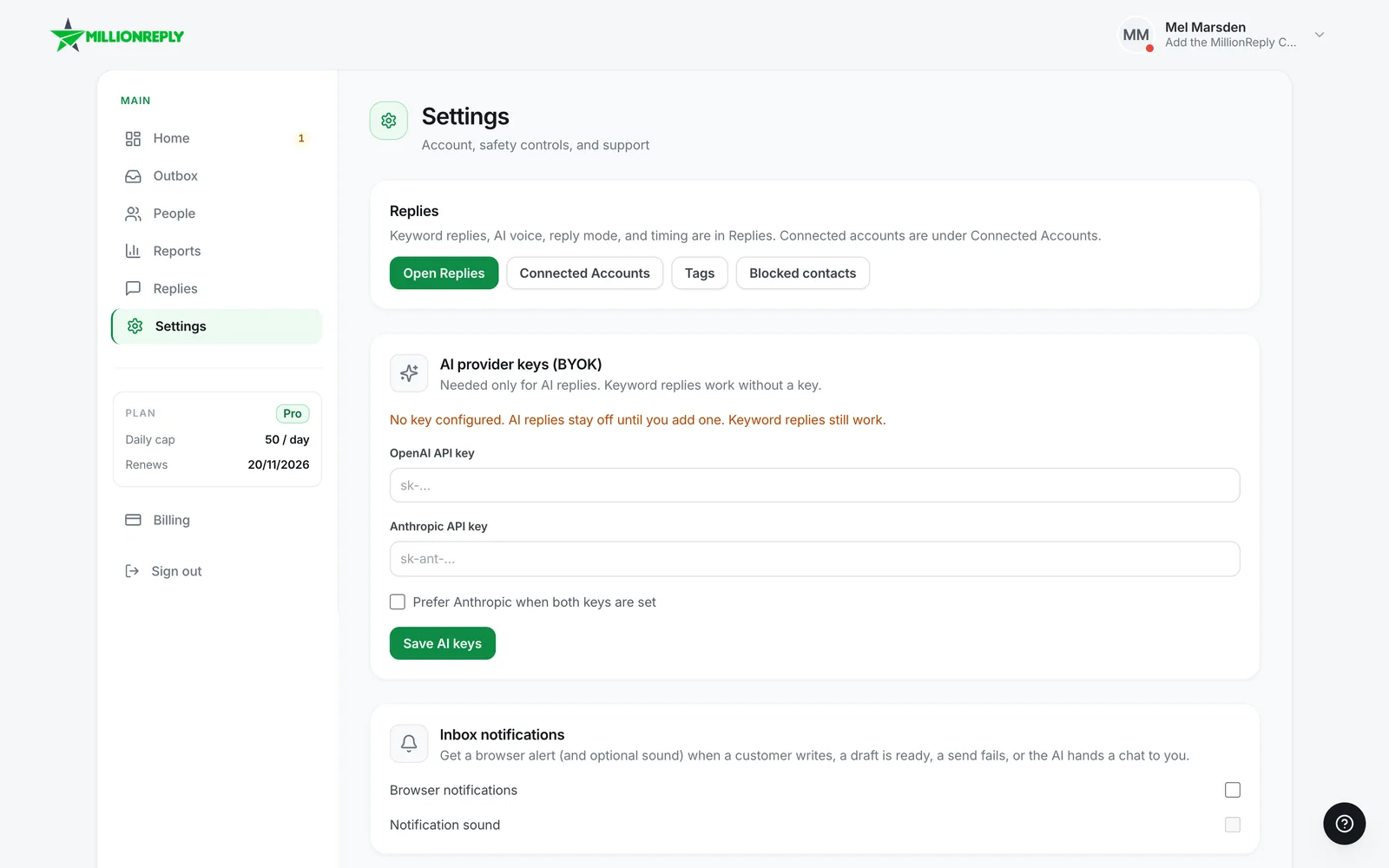
| Setup | About ten minutes, no Page and no API key |
| Controls | Delay, daily cap, per-thread pause and takeover, all standard |
| Pricing | $67 a month flat, seven-day money-back guarantee |
The short version
Question one does most of the work. If your customers message your profile rather than a Page, the tools that are easiest to find are answering an inbox you barely use.
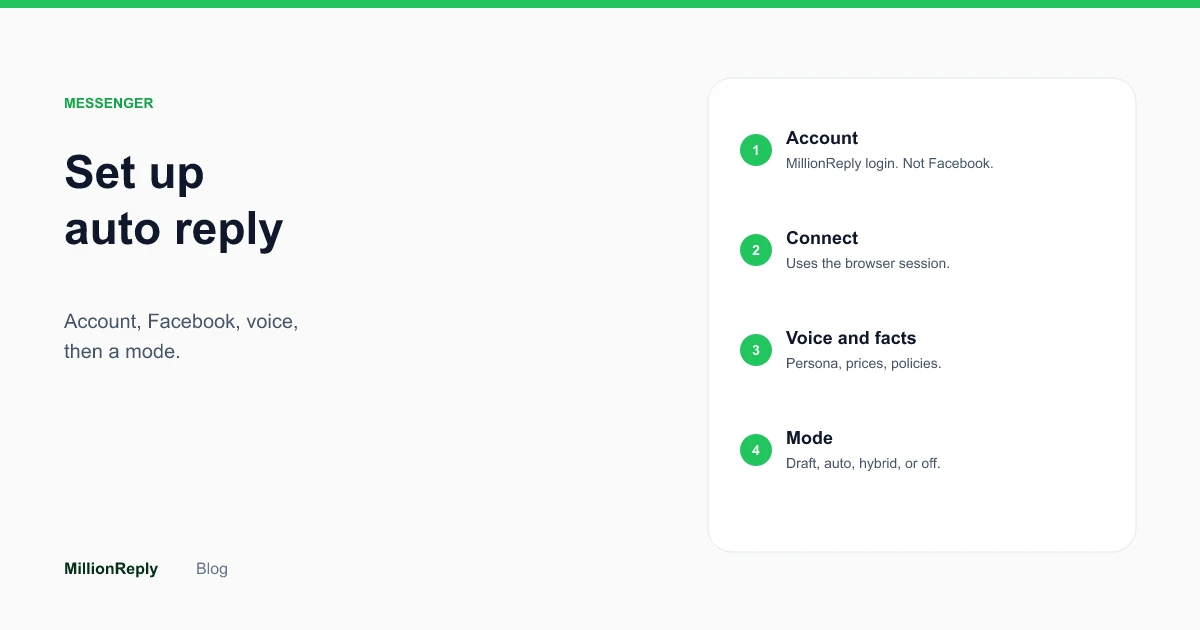
After that, prefer facts over flows, insist on a draft mode, and avoid pricing that punishes you for volume. The setup walkthrough shows what the ten minutes actually looks like.
Questions people ask
What should I look for in a Facebook Messenger auto reply app?
Which inbox it answers first, because most tools cover a Facebook Page rather than your personal Messenger. Then whether answers come from facts you store or a flow you draw, whether you can approve before sending, how long setup takes, and whether pricing is flat or grows with your message volume.
Do Messenger auto reply apps work on a personal Facebook account?
Most do not, because they are built on Facebook's Page messaging tools and a profile has no equivalent. MillionReply works through the Messenger session in your own browser, which is how it covers a personal inbox and Marketplace without a Page.
Is a flow builder or an AI reply tool better?
A flow builder suits journeys that are a sequence of choices, like booking a slot from a menu. An AI reply tool suits open questions where the answer depends on your prices, hours and policies, which is what most small business inboxes receive.
How much should a Messenger auto reply tool cost?
Flat monthly pricing is easier to live with than per-contact billing, which rises as the tool succeeds. MillionReply is $67 a month with a seven-day money-back guarantee.
How long does setup usually take?
Flow builders typically take an afternoon because you are drawing every branch. A fact-based tool takes about ten minutes, most of which is writing down prices you already know.