Meta AI auto replies on Facebook Marketplace: what they answer
The built-in reply handles one question on one listing. The sale is almost always decided by the second message, and that is where it stops.

The short version
- Marketplace added an AI reply sellers can switch on per listing, aimed at the "is this still available?" message.
- It answers from the listing, so it covers availability and the details you typed into that one post.
- It stops at the first question. Offers, pickup, travel and delivery all come back to you.
- Running both works well: let the built-in reply confirm availability, and answer everything after it from your own facts.
On this page
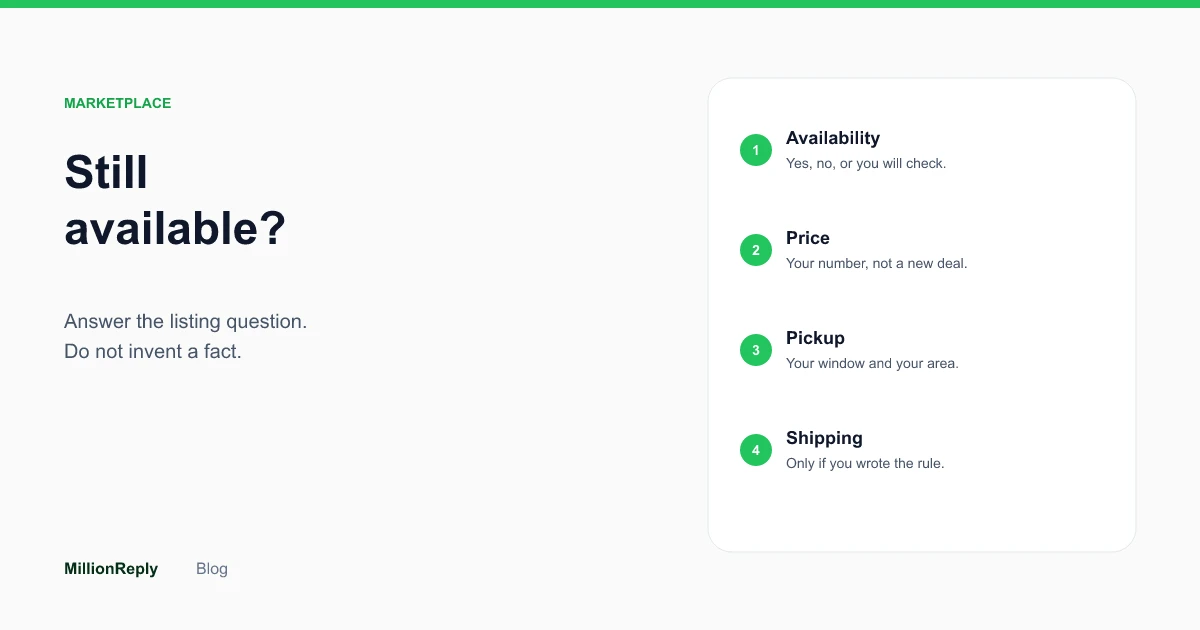
Meta added an AI auto reply to Facebook Marketplace aimed at the message every seller is tired of: “is this still available?” Sellers can switch it on when creating a listing, and it answers from what the listing already says.
It is a genuinely useful addition. It is also narrow in a specific way that matters, and the way it is narrow is worth understanding before you decide it has solved your inbox.
What the built-in reply does
It handles the opening message on a listing you enabled it for. The reply draws on details already in that post, such as price and pickup location, and you can edit it before it goes.
For a seller with one item up, that is most of the annoyance gone. Somebody types three words at midnight, they get a confirmation, and you are not woken up.
Turning it on
The option appears while you are creating or editing a listing, as a toggle for letting AI answer common questions about it. Switch it on per listing, and the reply is editable before it sends.
Meta has been rolling these tools out gradually and by region, so if you do not see the option yet it is worth checking again on your next listing. Meta’s own Marketplace help pages carry the current state.
Two things are worth knowing before you rely on it. It applies to the listing you enabled it on, not to your account as a whole, so eleven listings means eleven toggles. And the answers come from that post, so a listing with a thin description produces a thin reply.
Where it stops
A Marketplace conversation is almost never one message. Watch what a real one looks like:
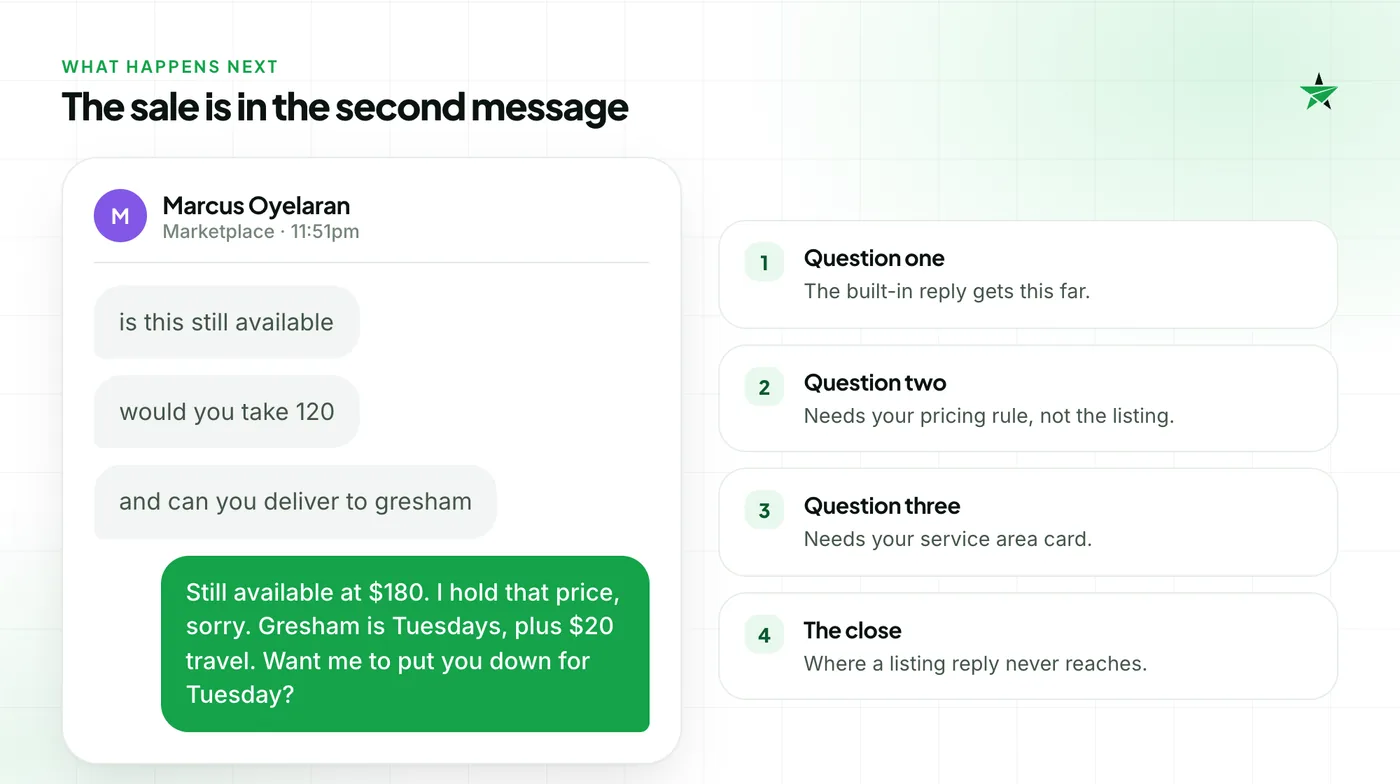
The buyer asked whether it was available, made an offer, and asked about delivery to another suburb. Only the first of those is in the listing.
The second needs a rule you decided: do you hold your price, and what do you say when you do. The third needs your service area and your travel charge. Neither is a detail Meta can read off a post, because neither was ever written on it.
The other inbox it does not touch
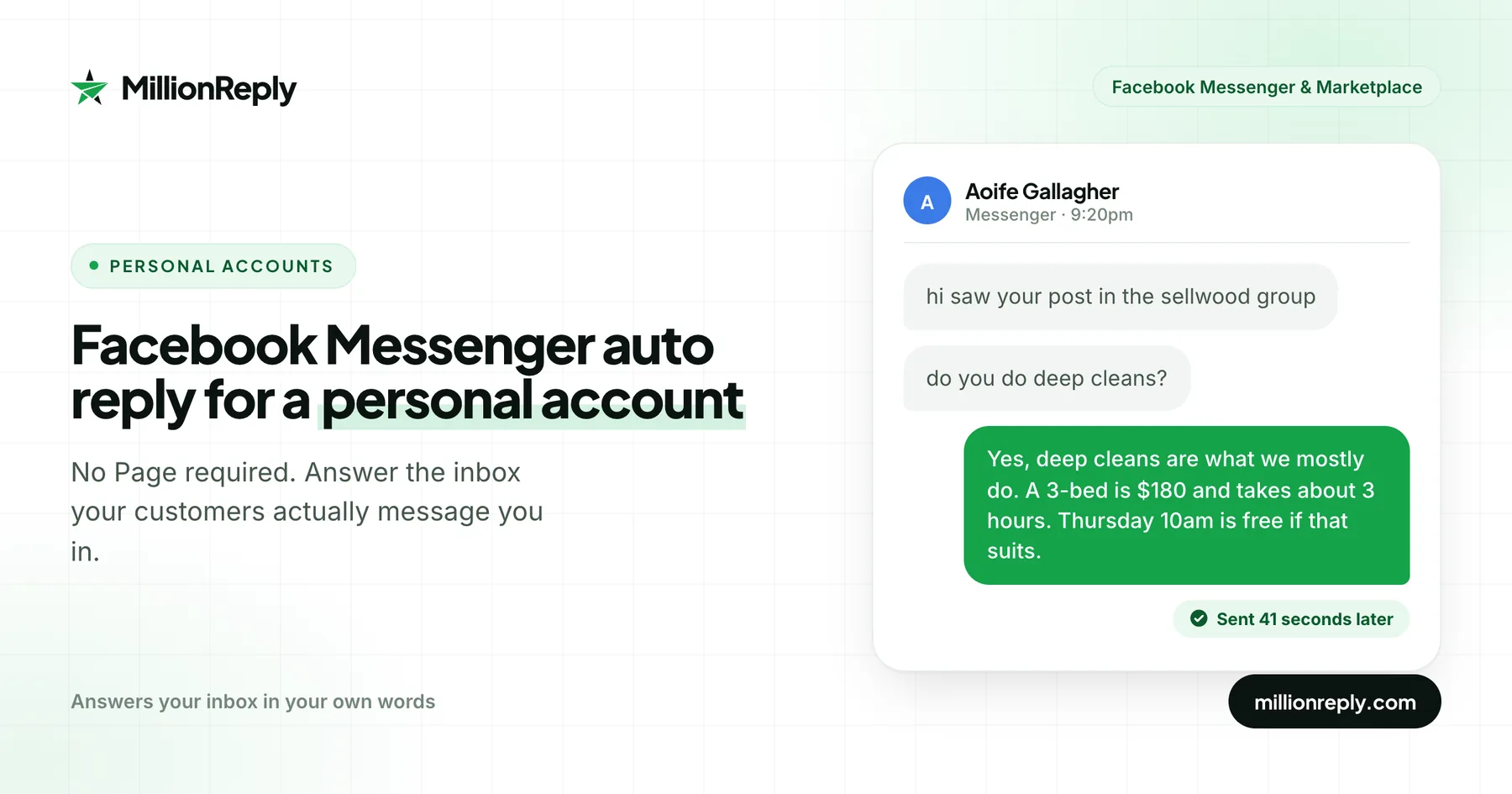
The built-in reply is attached to a listing. Your personal Messenger is a different inbox, and for most sellers it carries just as much:
- The buyer who messaged about an item last month and came back.
- Someone who saw your name in a local group.
- A referral who was told you sell good stuff.
- Every customer from before you listed anything.
None of those arrive through a listing, so none of them are covered. Personal Messenger has no built-in automation at all, which is the larger gap of the two.
What answering the whole conversation looks like
MillionReply runs Marketplace and personal Messenger as two inboxes with their own settings, and answers from facts you wrote down rather than from a single listing.
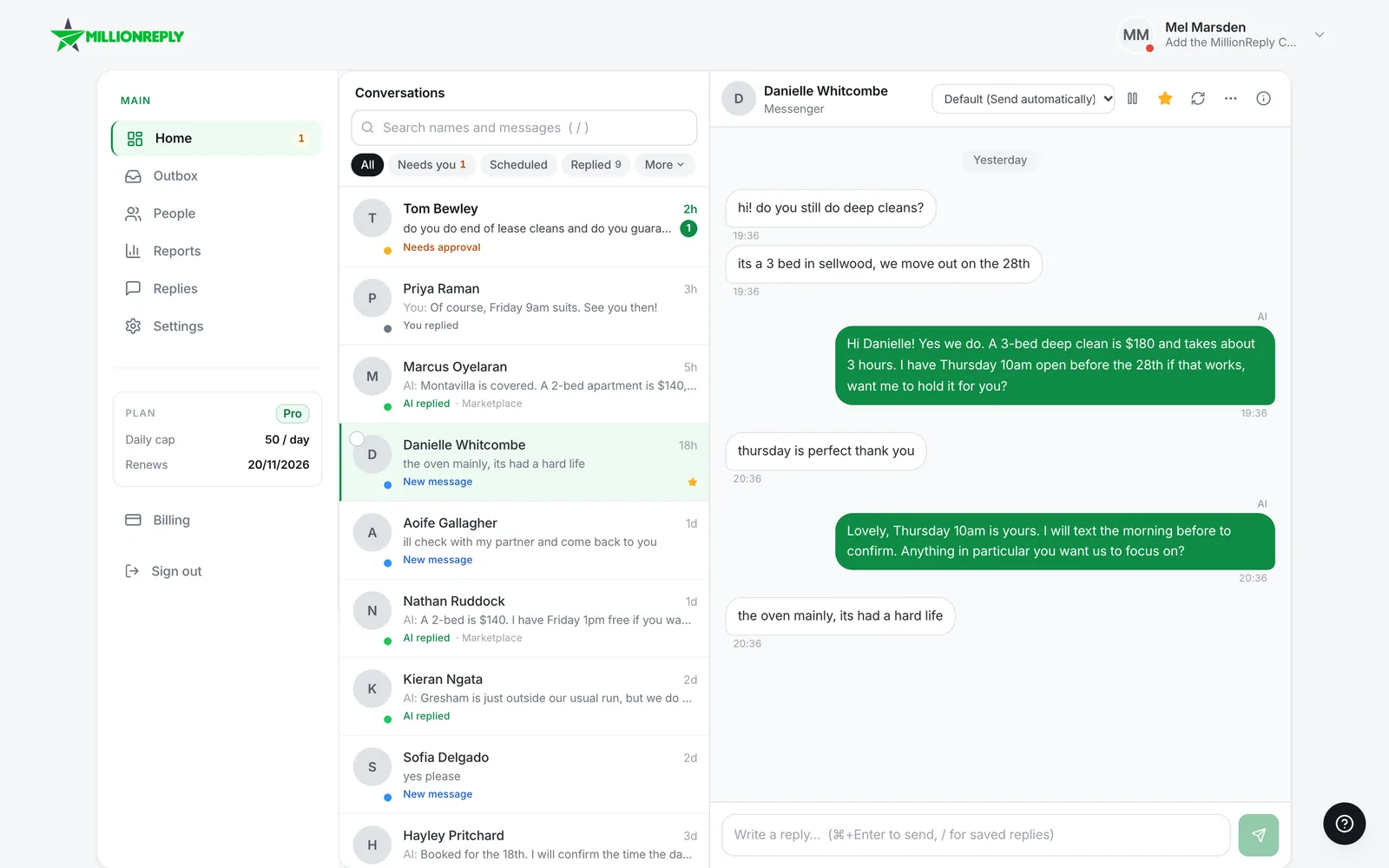
The difference is where the answer comes from. A listing holds what you typed into that post. Knowledge cards hold your pricing rules, your pickup window, your travel charges, your deposit policy and the sentences you always end up typing, and every reply across every listing and every conversation can use them.
That is also why it keeps working when you have eleven things listed instead of one.
Who the built-in reply is enough for
Being fair about it: for some sellers this is the whole solution.
If you list occasionally, sell one item at a time, have no prices beyond the listing, do not deliver, and do not take offers, then the built-in reply handles the only question you ever get. There is nothing to add.
It stops being enough the moment any of these are true:
- You list several things at once.
- You negotiate, or you have a rule about not negotiating.
- You deliver, or charge for travel, or restrict pickup to certain days.
- Customers also message your profile directly.
- You are a business with prices rather than someone clearing a garage.
That last one covers most people reading this. A listing reply is built for a private seller with one sofa. A business running stock through Marketplace has pricing rules, an area, a schedule and repeat customers, and none of that fits in a listing description.
Use both
There is no conflict here, and the sensible setup uses each for what it is good at.
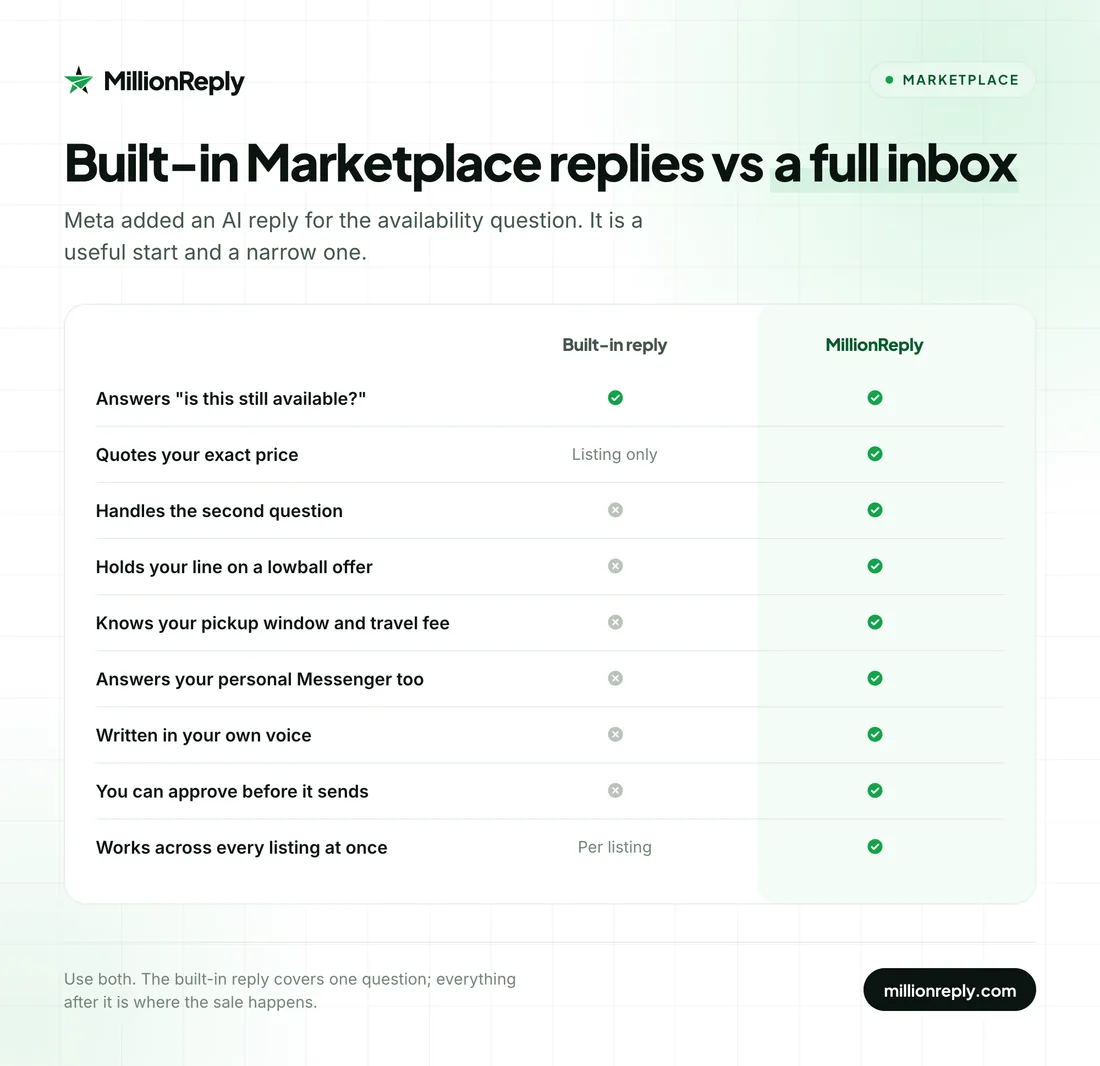
| Built-in Marketplace reply | MillionReply | |
|---|---|---|
| Best at | Confirming availability on a listing | Everything after the first message |
| Source of answers | That listing | Facts you stored, across all of them |
| Inbox covered | Marketplace listings | Marketplace and personal Messenger |
| Your voice | Meta’s phrasing | Your tone, your words |
| Approval before sending | No | Yes, in draft mode |
Switch the built-in reply on for your listings. Then set up the facts that answer the rest, so the buyer who offers $120 at midnight gets your actual position on that instead of silence until morning.
What to write down first
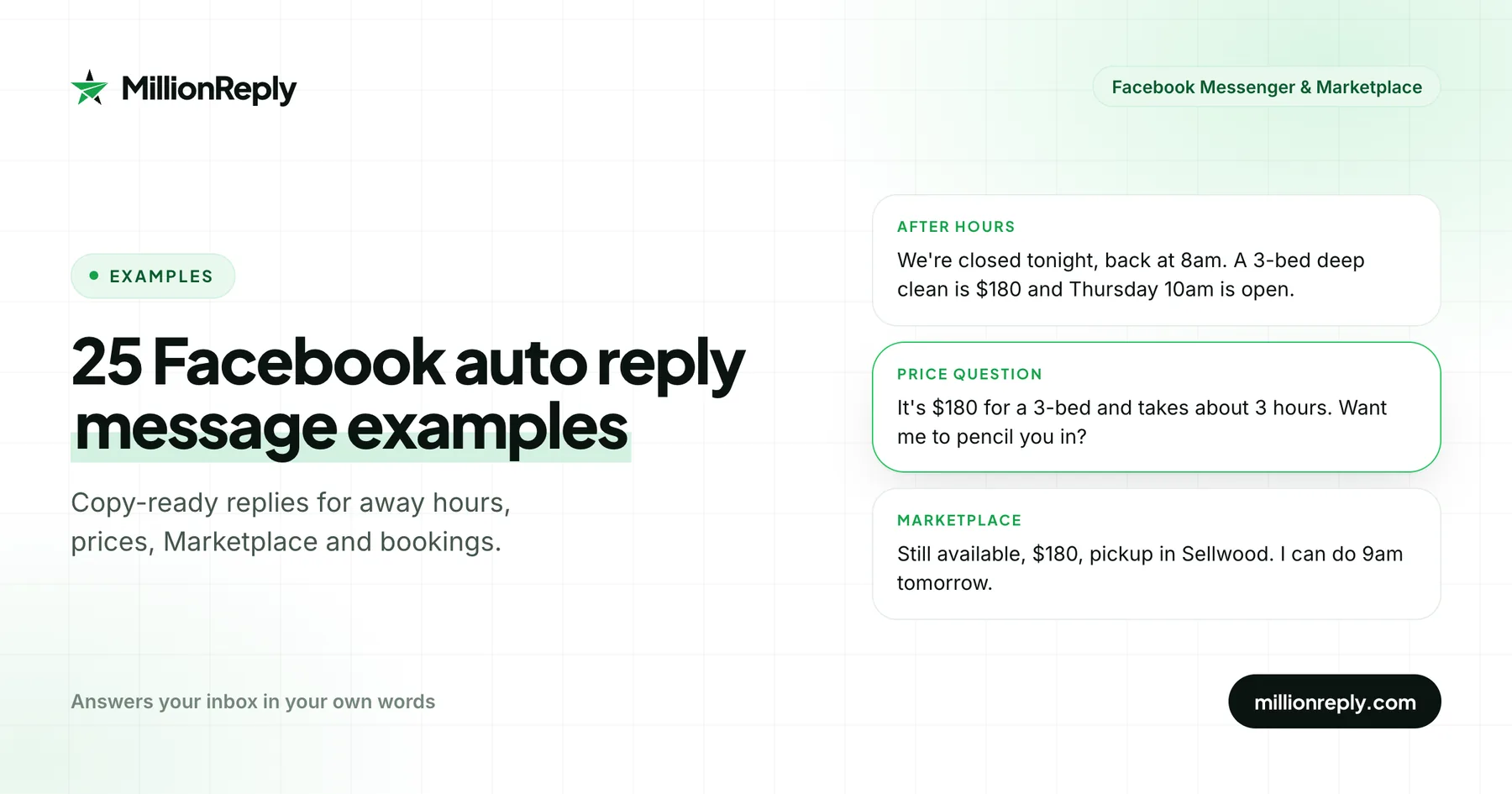
Four cards cover most of a Marketplace inbox:
Price and your rule on it. The number, and whether you move. “Firm for the first week” is a perfectly good rule.
Pickup. Your area, your window, and what happens outside it, including the travel charge.
Holds and deposits. Whether you hold, for how long, and on what terms. This one prevents most time-wasting.
Condition. The two or three sentences you always end up typing about wear and history.
With those in place, a buyer who asks three questions in one message gets three answers, at midnight, in the words you would have used. The Marketplace guide goes through the rest of the setup.
The summary
Meta’s built-in reply is a good answer to one question. It confirms availability on a listing you enabled, in Meta’s phrasing, and then hands the conversation back.
Everything that decides the sale happens after that: the offer, the pickup time, the delivery question, the second item they ask about. Those need your facts and your rules, across both inboxes, which is a different job and worth doing properly.
Questions people ask
Does Facebook Marketplace have an automatic reply?
Yes. Meta added an AI reply option that sellers can turn on when creating a listing, aimed at the "is this still available?" message. It answers from the listing details and the seller can edit the reply before it sends.
What does the built-in Marketplace AI reply actually answer?
Availability, and details that were already in the listing such as price and pickup location. It is designed for the opening message rather than the conversation that follows it.
Does it handle offers and negotiation?
No. An offer needs a rule you decided, not a detail from the listing, so those messages come back to you. The same goes for delivery, travel charges and anything about a different item.
Does it answer my personal Messenger messages too?
No. It is attached to a Marketplace listing. Messages sent to your profile are a separate inbox and are not covered.
Should I use both?
That works well. Let the built-in reply confirm availability on individual listings, and run a full reply tool across Marketplace and your personal Messenger so the second, third and fourth messages are answered too.